User Manual |
114
Laser Engraving and Cutting - 03 How to Laser Engrave and Cut
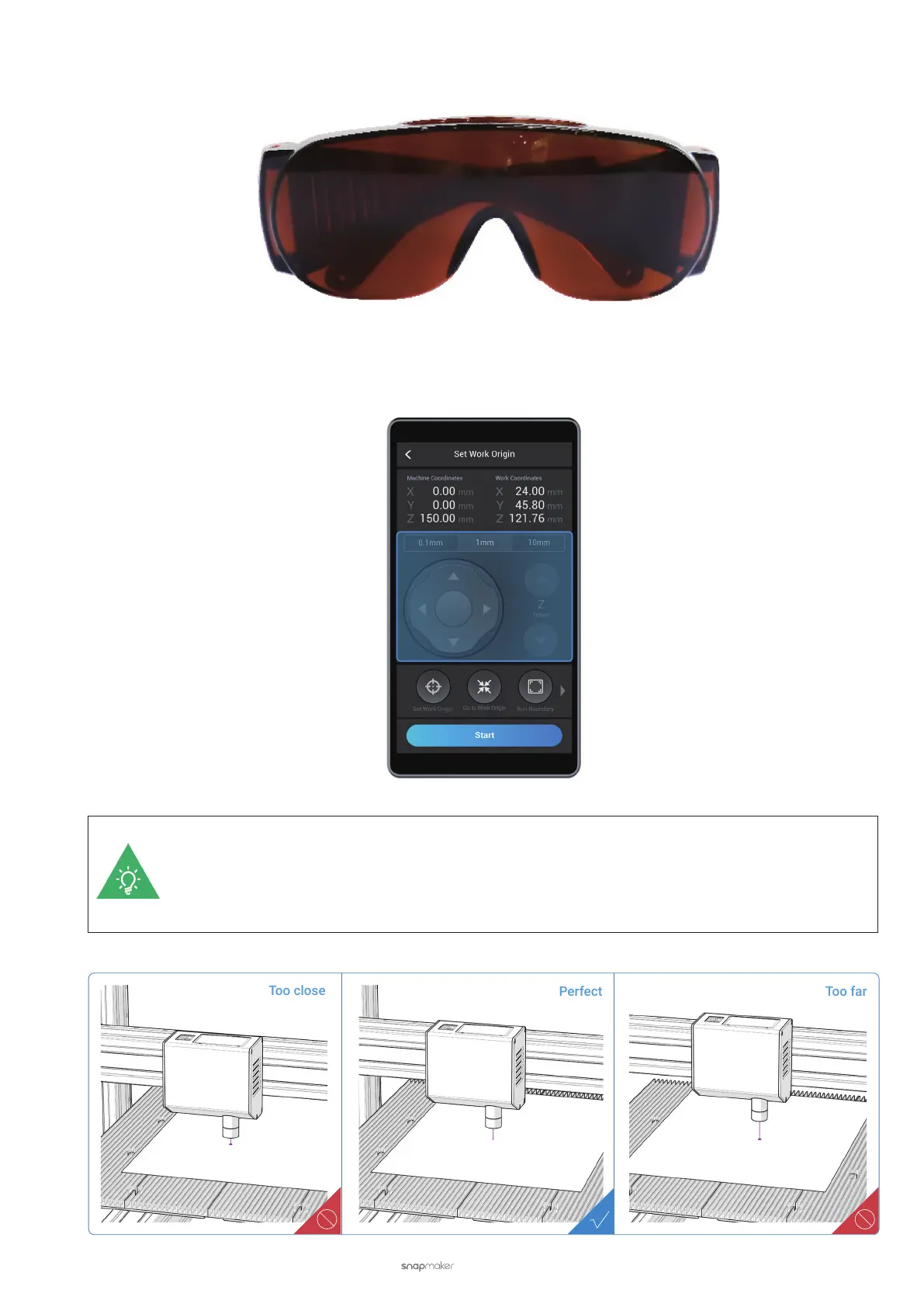
(5) Put on Laser Safety Goggles and tap Next.
(6) Tap X-, X+, Y-, or Y+ to move the laser dot above the material. Then, tap Z- or Z+ to adjust the height of the
Laser Module until the laser beam is focused down to the smallest spot.
The smallest laser spot means the best focusing result. To reach the best focusing result, rst
lower the Laser Module until the Lens Hood has slightly touched the surface of the material. Then,
gradually move the Laser Module up. The laser spot will rst become smaller before becoming larger.
Find the smallest laser spot in this process by tapping Z- or Z+.



 To Next Page