User Manual |
156
CNC Carving - 04 How to CNC Carve
Start Carving on Luban via Workspace
(1) In the CNC G-code Generator, load the generated G-code le to Workspace by clicking Load G-code to
Workspace.
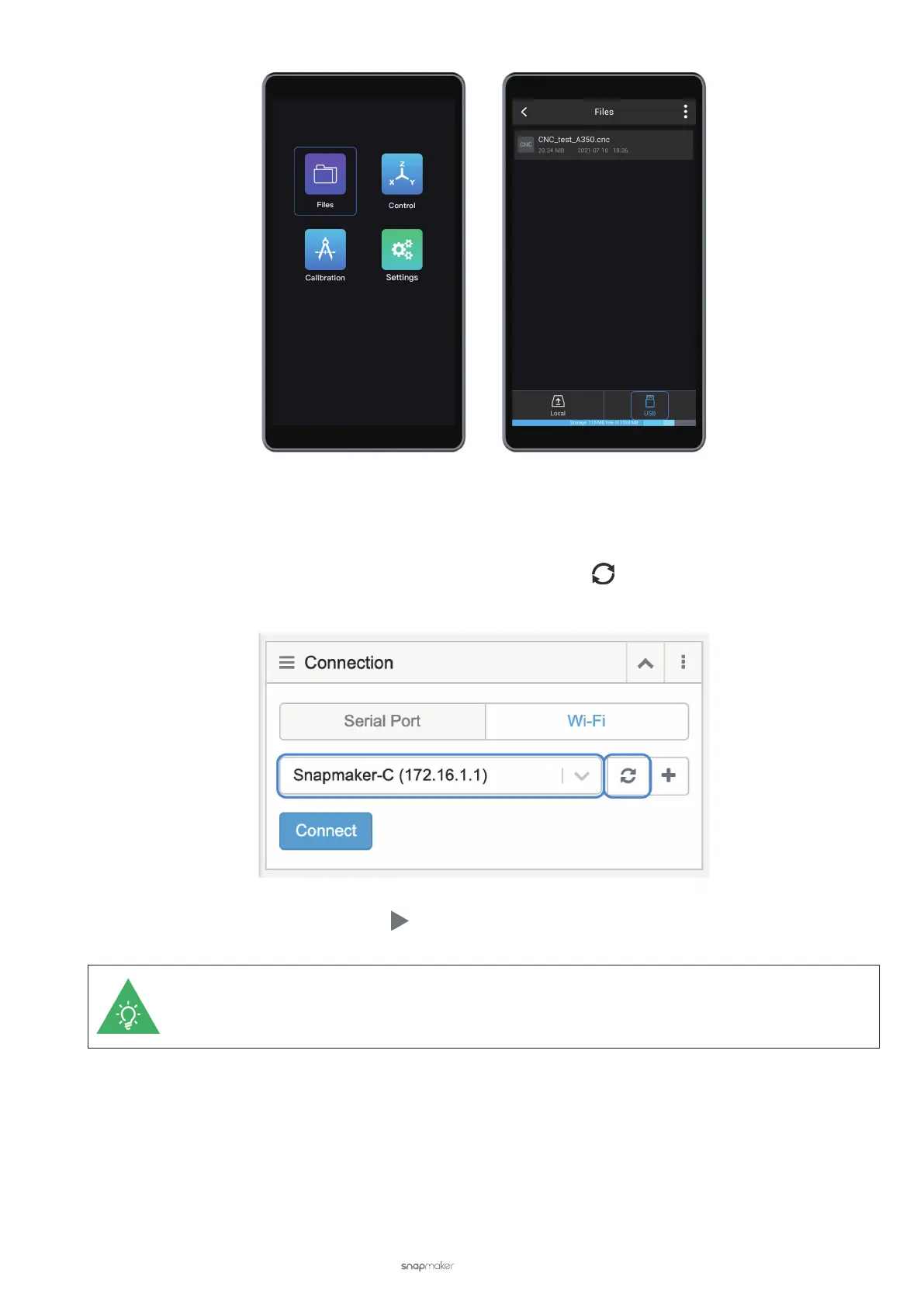
(2) In the Workspace, go to the Connection panel. Click Wi-Fi > Refresh
> Select your CNC carver in the
drop-down list > Connect Luban to your CNC carver.
(3) After connection, click the Run button
in Workspace to start carving.
Should Wi-Fi be disconnected during carving, the Touchscreen will ask you if you want to keep
carving. To keep carving, ignore the prompt; to stop carving, tap Conrm.



 To Next Page