User Manual |
32
3D Printing - 03 How to 3D Print
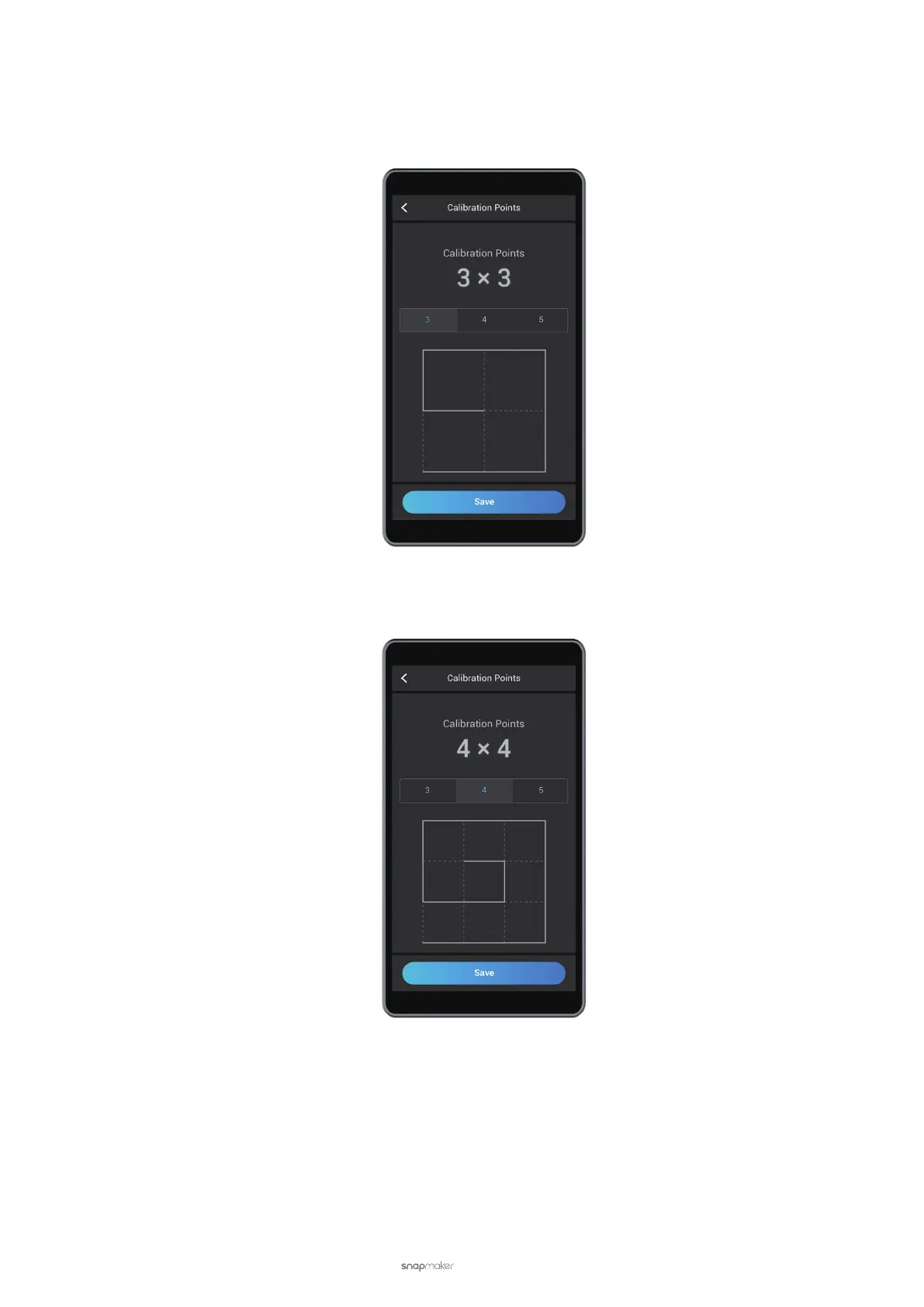
To switch the calibration grids, tap Settings > 3D Printing > Calibration Grid on the Touchscreen.
9-Point Grid
This grid is 2 × 2, with 9 points. To apply it, tap 3 and Save.
16-Point Grid
This grid is 3 × 3, with 16 points. To apply it, tap 4 and Save.



 To Next Page