User Manual |
31
3D Printing - 03 How to 3D Print
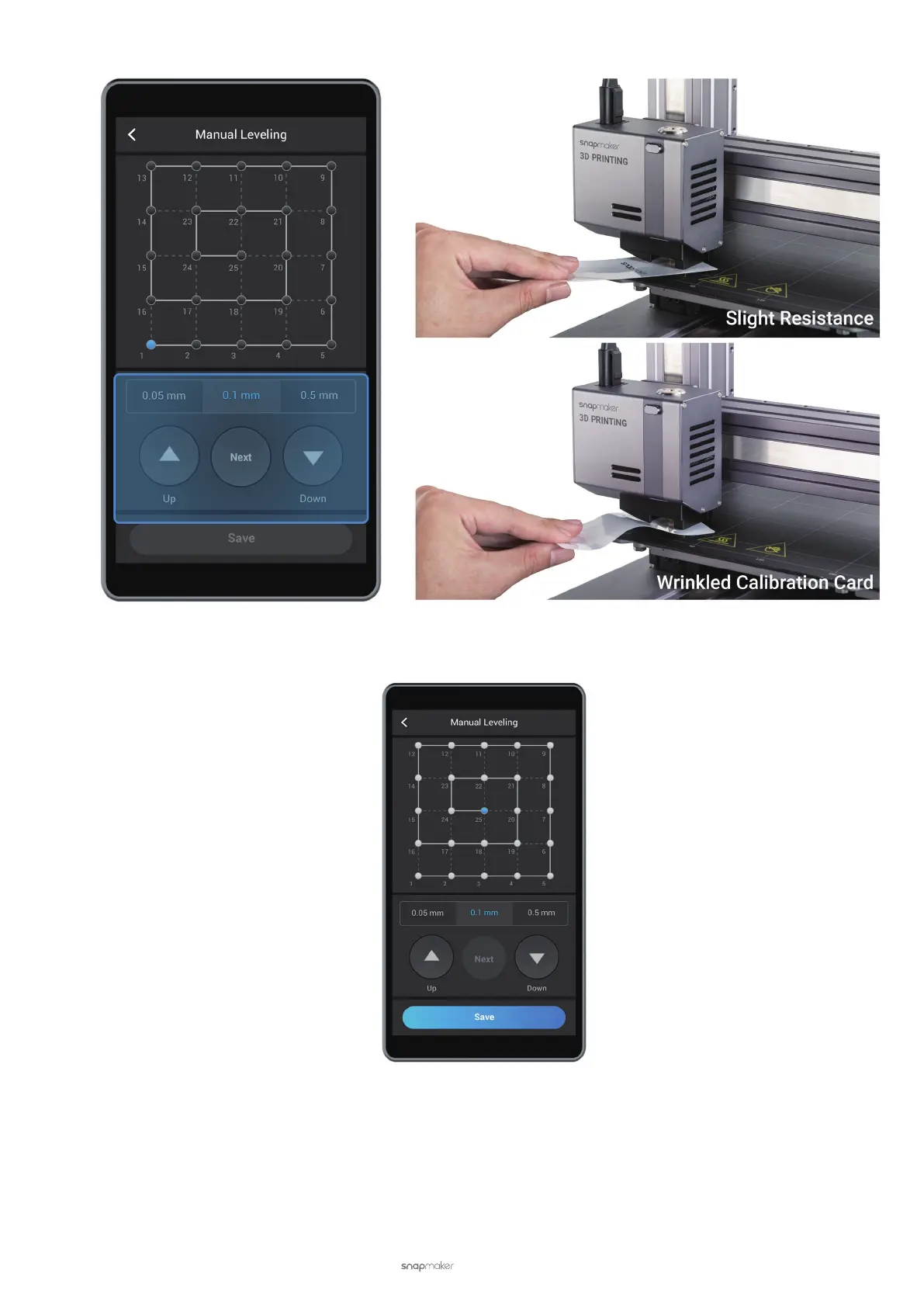
(5) Calibrate the rest of the points. One by one, repeat the previous two steps till the last point. Tap Save to save
the calibration settings.
Calibration Grid
Your 3D printer has three types of calibration grids, made up respectively of 9, 16, or 25 points. At each point, the
distance sensor probes the height of the Heated Bed, and then the 3D printer records the data. During printing, the 3D
printer will automatically adjust its movement, based on the measured data, to keep the nozzle and Print Sheet at an
optimum distance. The more points your 3D printer probes, the more precise data your 3D printer gets, and the more
likely the first layer is to adhere to the Heated Bed.



 To Next Page