User Manual |
35
3D Printing - 03 How to 3D Print
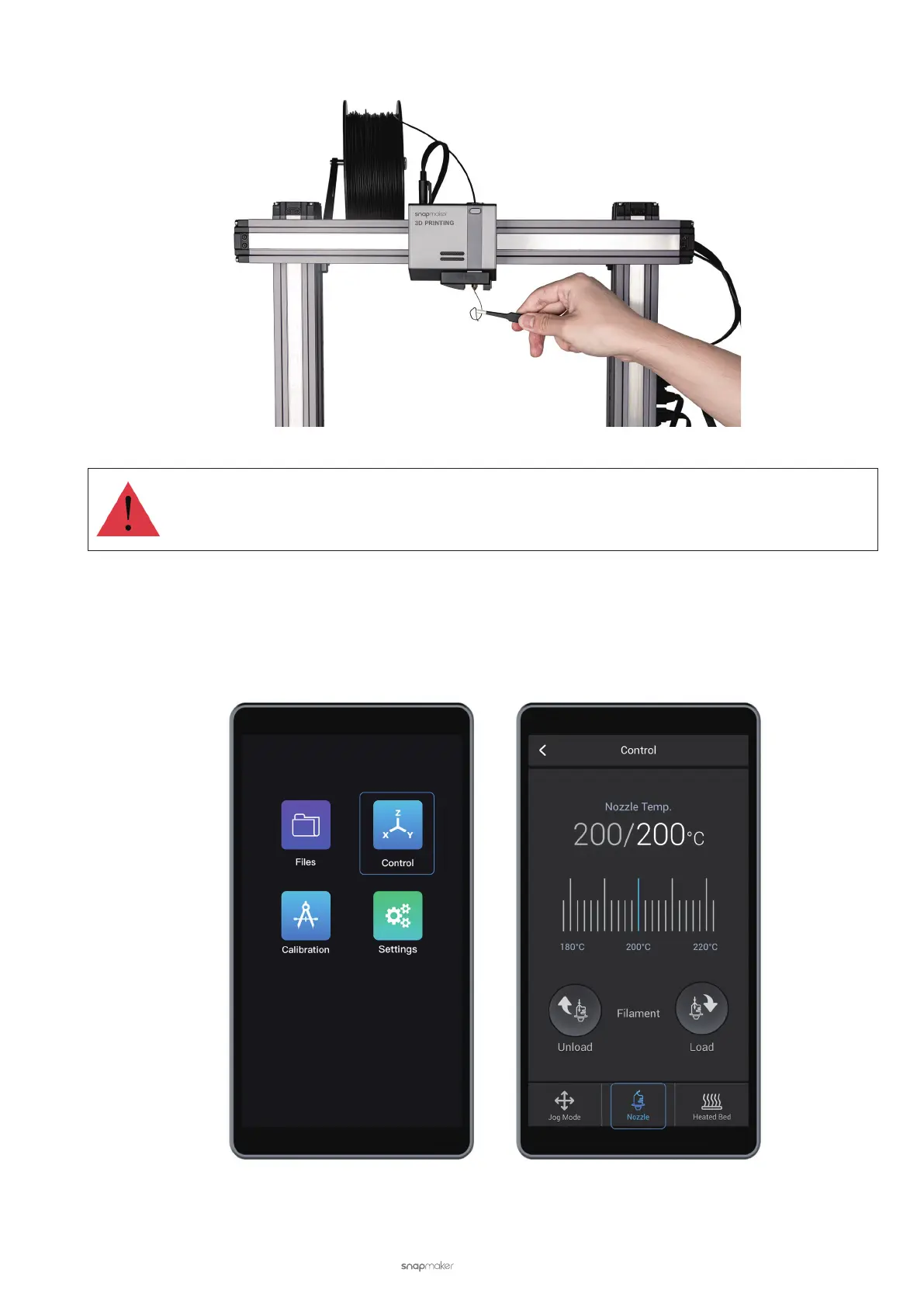
(4) Clean the nozzle using the tweezers.
Do not touch the hot nozzle with bare hands.
Manually Load the Filament
(1) Heat the nozzle. On the APP List Screen, tap Control > Nozzle. Slide the scale bar left or right to set the target
Nozzle Temp. so that the heated block can melt the lament.



 To Next Page