User Manual |
94
Laser Engraving and Cutting - 03 How to Laser Engrave and Cut
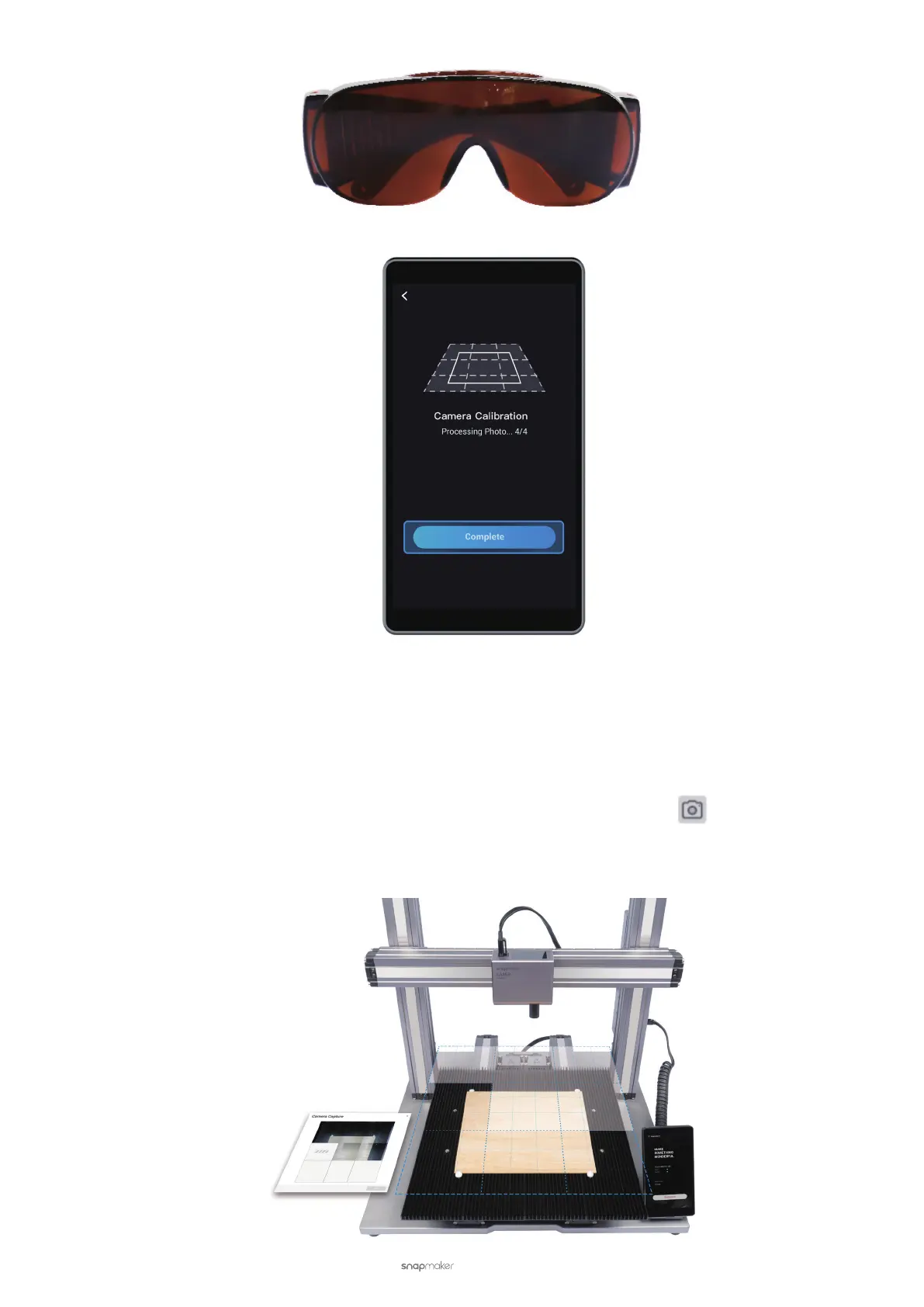
(5) Wait about 1 minute for the machine to process the photo. When the processing progress is 4/4, tap Complete.
Manually Adjust the Calibration Result
Prerequisites:
Automatic camera calibration is completed.
The machine is connected to Luban (see 3.5 Connect the Machine to Luban).
(1) In Luban, enter the edit and process space for laser. Then, click Camera Capture
to add background.
(2) On the Camera Capture dialog box, click Start. Wait about 1 minute for the machine to take photos and stitch
them into a panorama of the platform.



 To Next Page