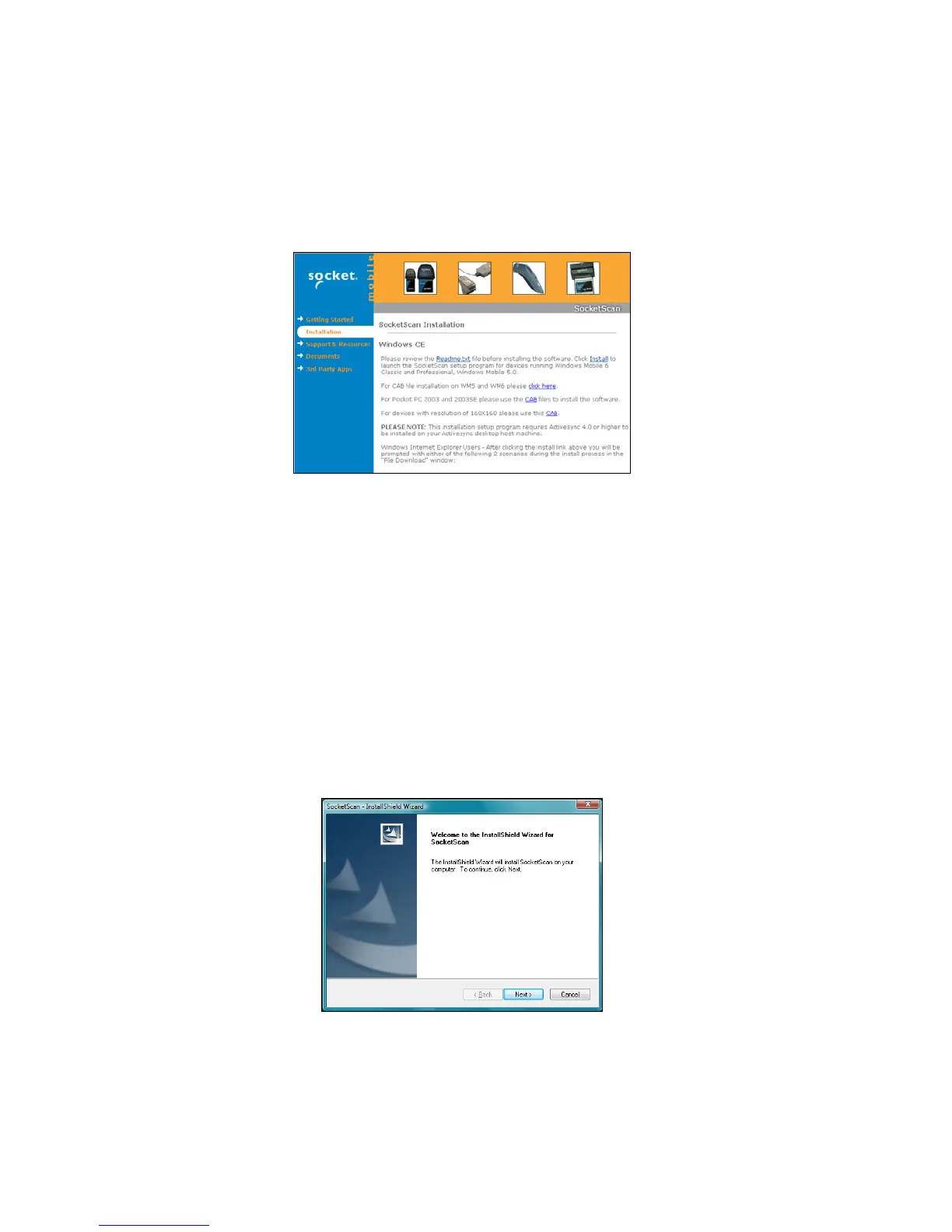
5. In the SocketScan installation page, in the Windows CE
section, click Install In the first paragraph.
6. Your web browser will present a series of dialogs.
Internet Explorer:
• In the File Download –Security Warning dialog, click Run.
• In the second warning dialog, click Run.
• Internet Explorer will download the file.
Firefox:
• In the file opening dialog, click Save File.
• Firefox will download the file.
• In the Downloads list, next to SocketScanCE.exe, click Open.
• In the warning dialog, click OK to continue.
7. The InstallShield Wizard for SocketScan Software will
automatically launch. Follow the wizard to install the software.
CHAPTER 3: SETUP FOR WINDOWS MOBILE 17















 To Next Page