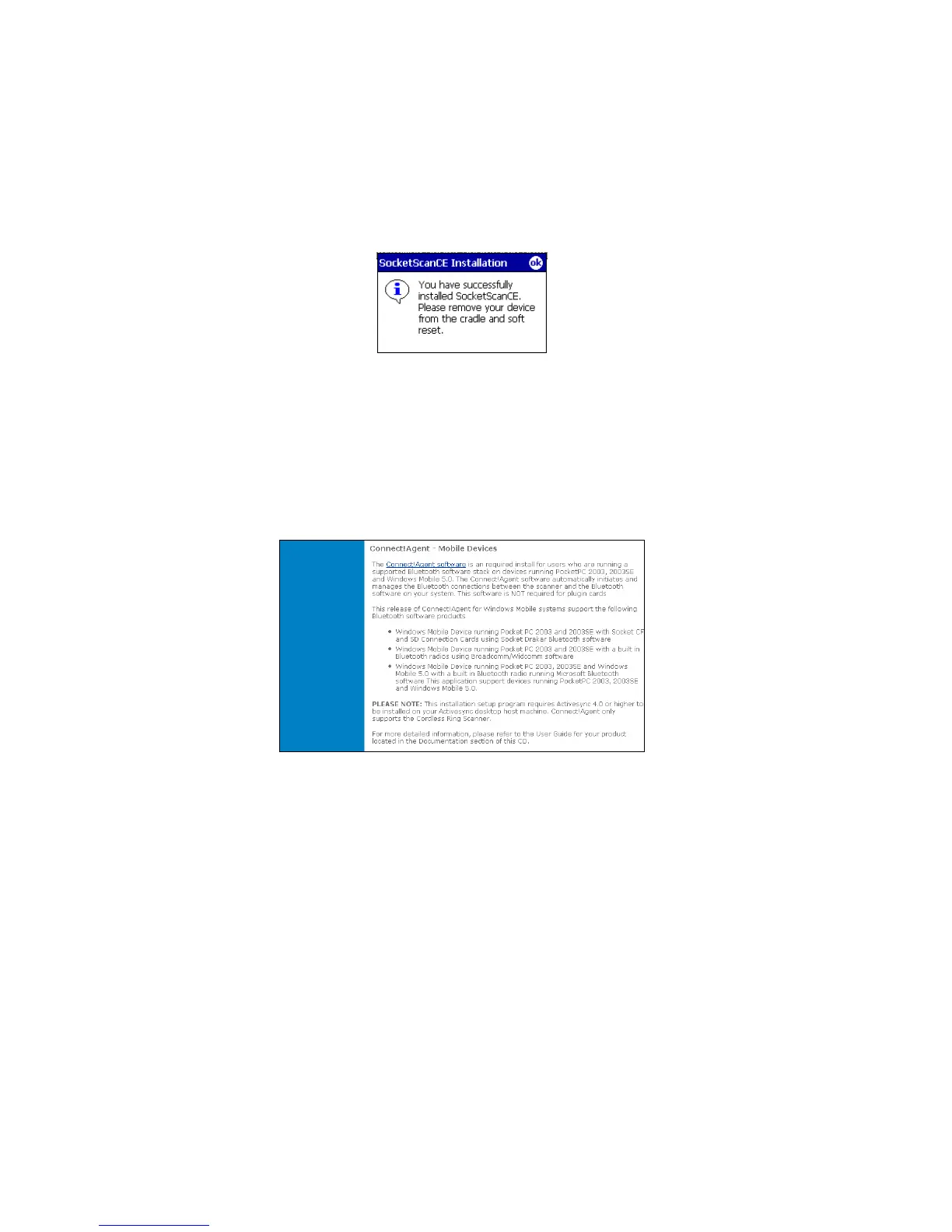
8. After installing the software, a dialog on your Pocket PC will
direct you to soft reset. Tap ok.
9. Remove your device from the cable/cradle and perform a soft
reset by pressing the reset button. If you skip this step, some
icons may not appear correctly.
10. Install Connect!Agent by returning to the SocketScan Setup
Center. In the Installation page, scroll down to Connect!Agent
– Mobile Devices section and click on the Connect!Agent
software link there.
IMPORTANT! Both SocketScan and Connect!Agent
software must be installed.
18















 To Next Page