Microsoft Bluetooth Stack:
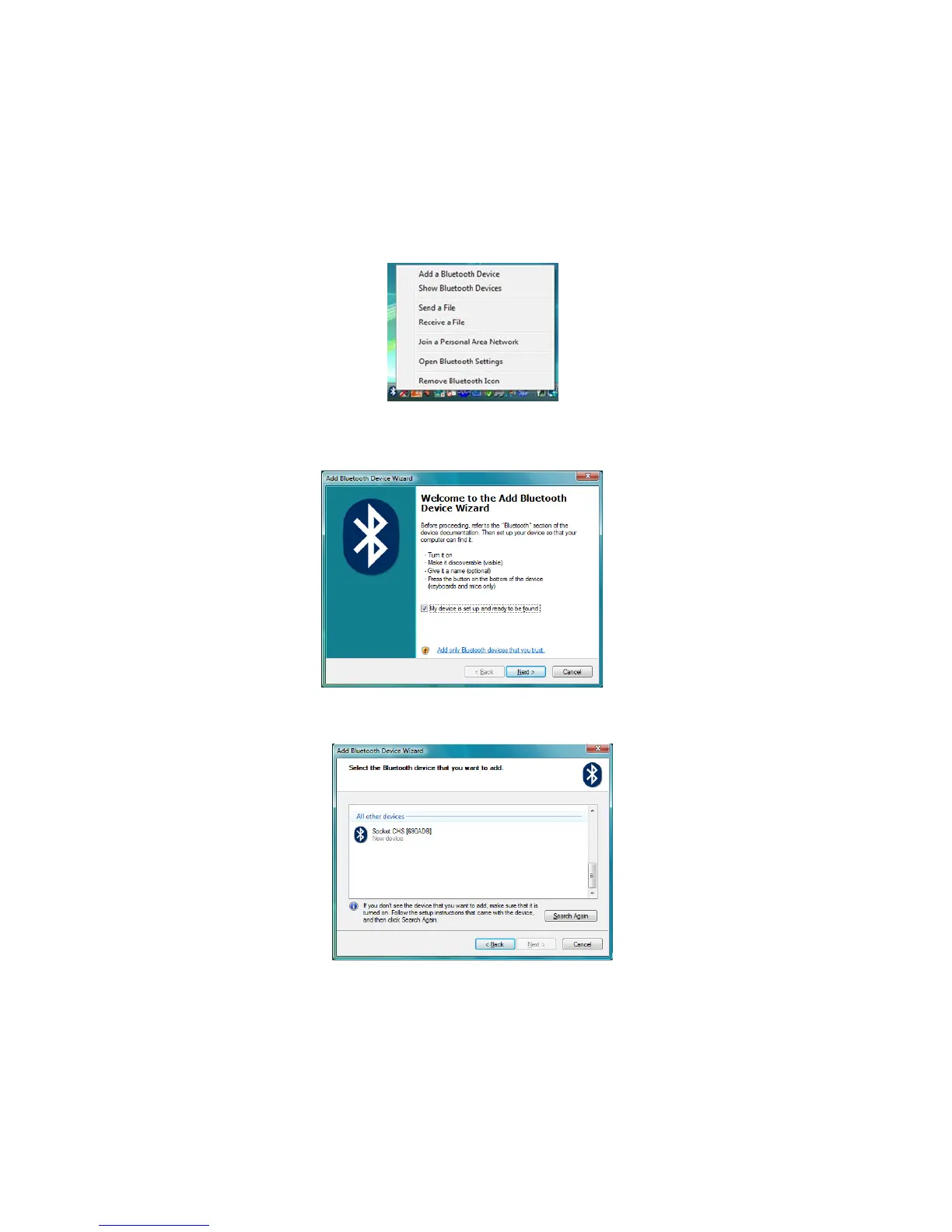
1. Right-click on the Bluetooth icon in the task tray. In the pop-
up menu, click Add a Bluetooth Device.
.
2. The Add Bluetooth Device Wizard will start. Check the box
My device is set up and ready to be found. Click Next.
3. After the device search, select Socket CHS [xxxxxx]. Click
Next.
The characters in brackets are the last 6 characters of the
scanner’s Bluetooth Device Address, which is printed on a
label inside the battery compartment.
46















 To Next Page