113
Using Solar-Log WEB
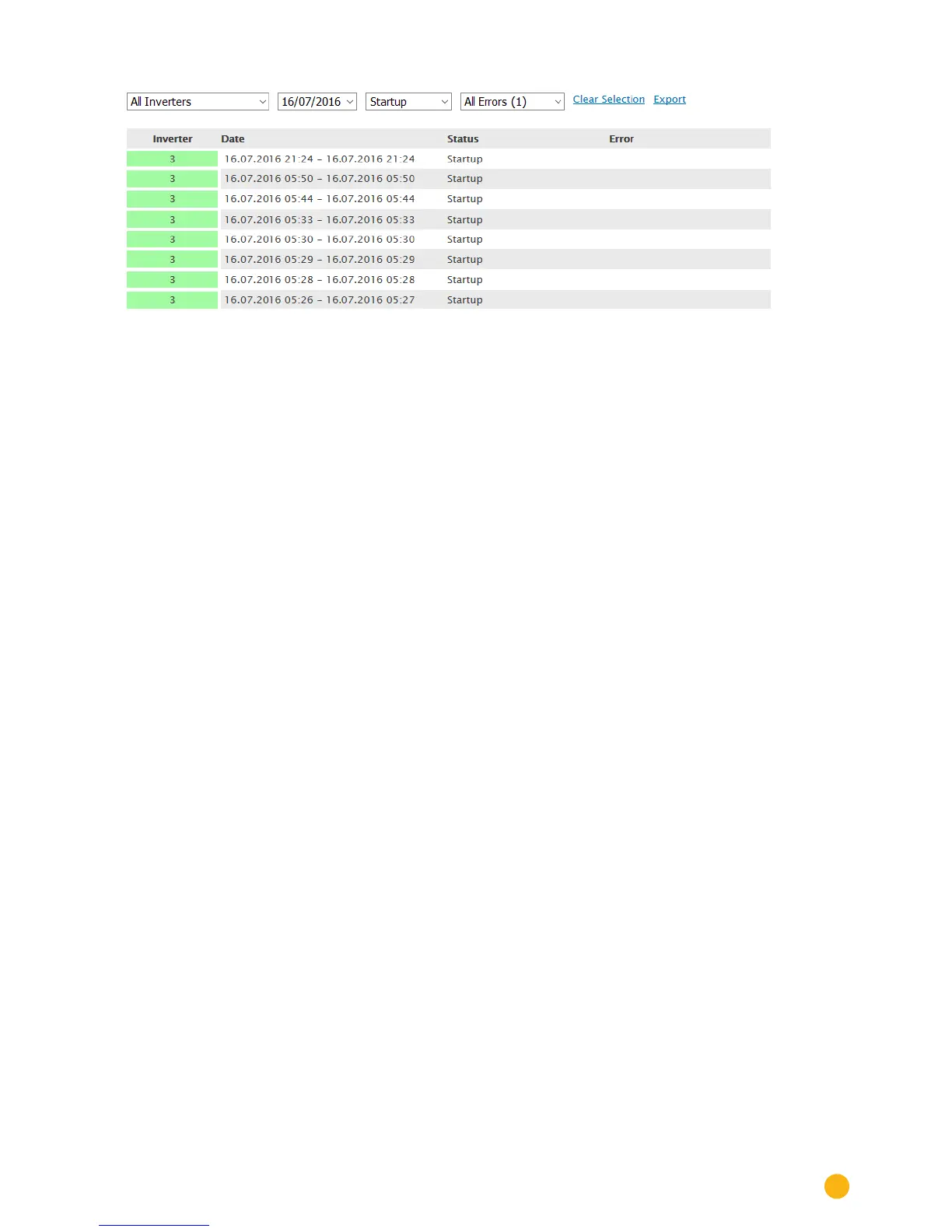
Fig.: Plant C2 - Notications ltered by day
1. Select the desired inverters from the "All inverters" drop-box.
• Only the events from the selected inverters are displayed.
2. Limit your selection by selecting the desired day from the All Days drop-box.
• Only the events from the selected day are displayed.
3. Limit your selection further by selecting the desired day from the All Days drop-box.
• The status selection options available are only those that occurred during the selected time
period.
4. Additionally, you can limit your selection further by selecting the type of fault from the All Faults
drop-box.
• The fault selection options available are only those that occurred during the selected time peri
-
od.
5. Click on Clear Selection to reset all of the filter settings.



 To Next Page