52
Operating via a web browser within your own network
2.12.1 Accessing Event logs
To access the Event logs menu, go to Diagnostic | Event logs.
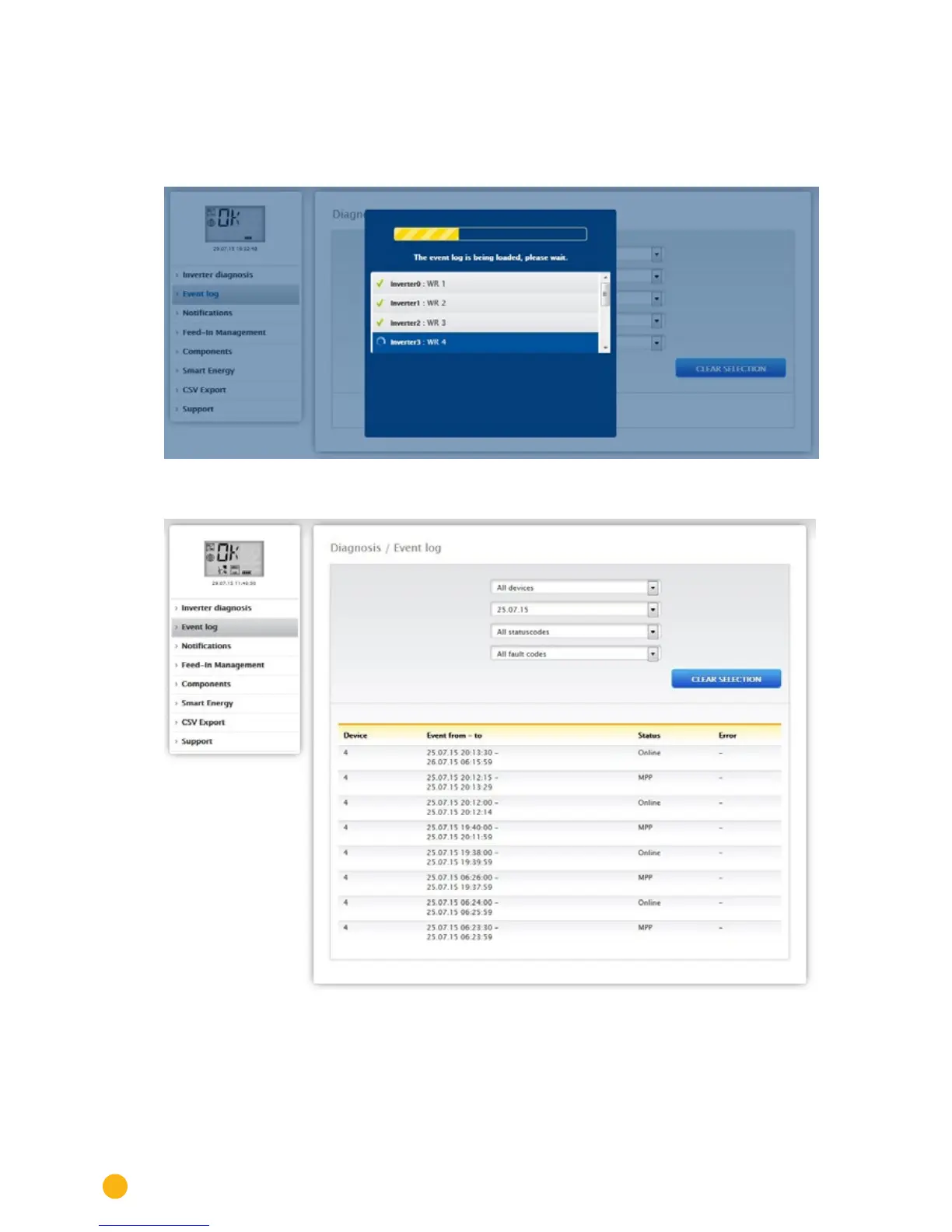
The following mode is loaded when accessing the event logs.
Fig.: The event log is being loaded.
After the event log has been loaded, the window switches back to the normal view.
Fig.: Event log
The following settings are available from the four drop-down menus in this view:
•
Devices:
Under devices (default "All devices"), you can select individual devices or leave the default selection as is.



 To Next Page