65
Operating via a web browser within your own network
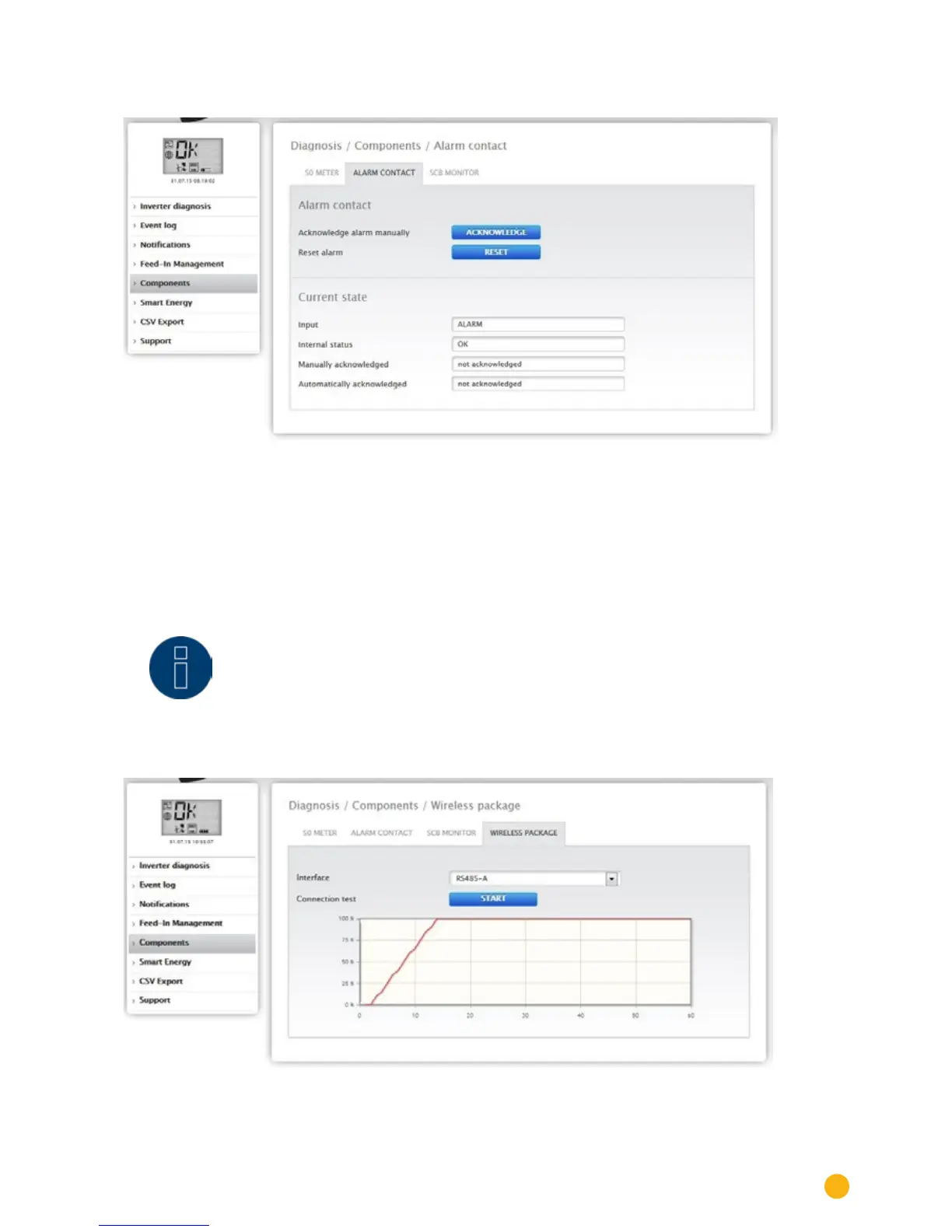
The Diagnostic | Components | Alarm contact menu is displayed in a split-screen window.
Fig.: Alarm contact
In the
Alarm contact part at the top, you have the option to manually acknowledge the alarm or to reset
it.
In the
Current Status part at the bottom, you see the information in regard to the input of the notification
(e.g. alarm), the internal status (e.g. OK) and if the notification has been manually or automatically ac-
knowledged.
Note!
The alarm contact is only available with the Solar-Log 2000.
You can access the Wireless Package test function from the
Diagnosis | Components | Wireless Package.
Fig.: Connection test - Wireless Package



 To Next Page