95
Operating the Solar-Log 1200 and 2000 via Touch Display
4.9 Accessing the USB menu
The USB menu is accessed in the left navigation with the USB menu symbol.
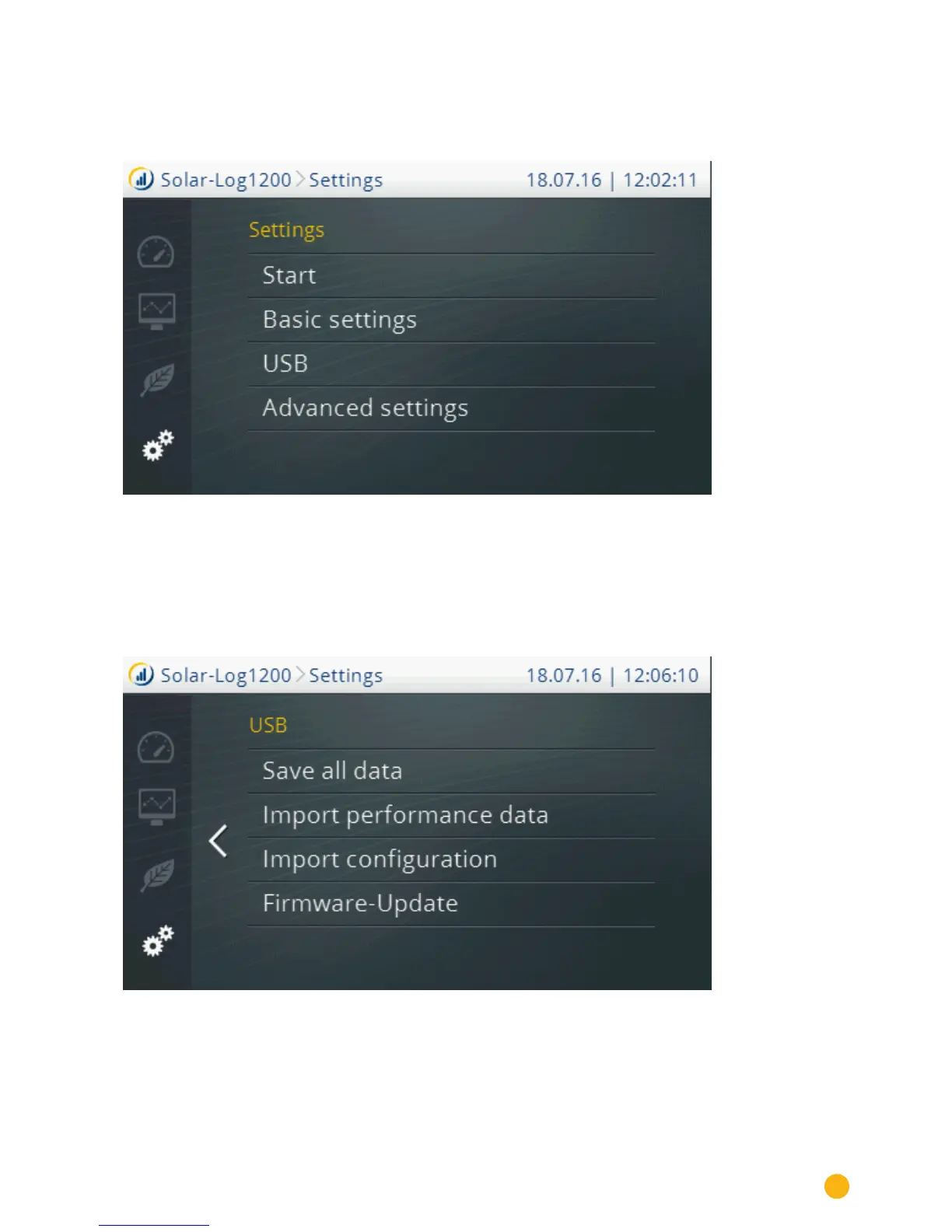
Fig.: Menu Settings
This brings you to the main Settings menu. Tap on USB.
The sections:
•
Start
•
Basic settings
•
Advanced settings
are described in detail in the chapter "Direct Device Configurations" in the Installation Manual.
Fig.: USB menu
You have the following options from the USB menu:
Save all data:
•
The Solar-Log™ creates the folder "backup" on the stick and saves the solarlog_backup.dat and
solarlog_konfig.dat files there.



 To Next Page