42
Operating via a web browser within your own network
2.10 System Information
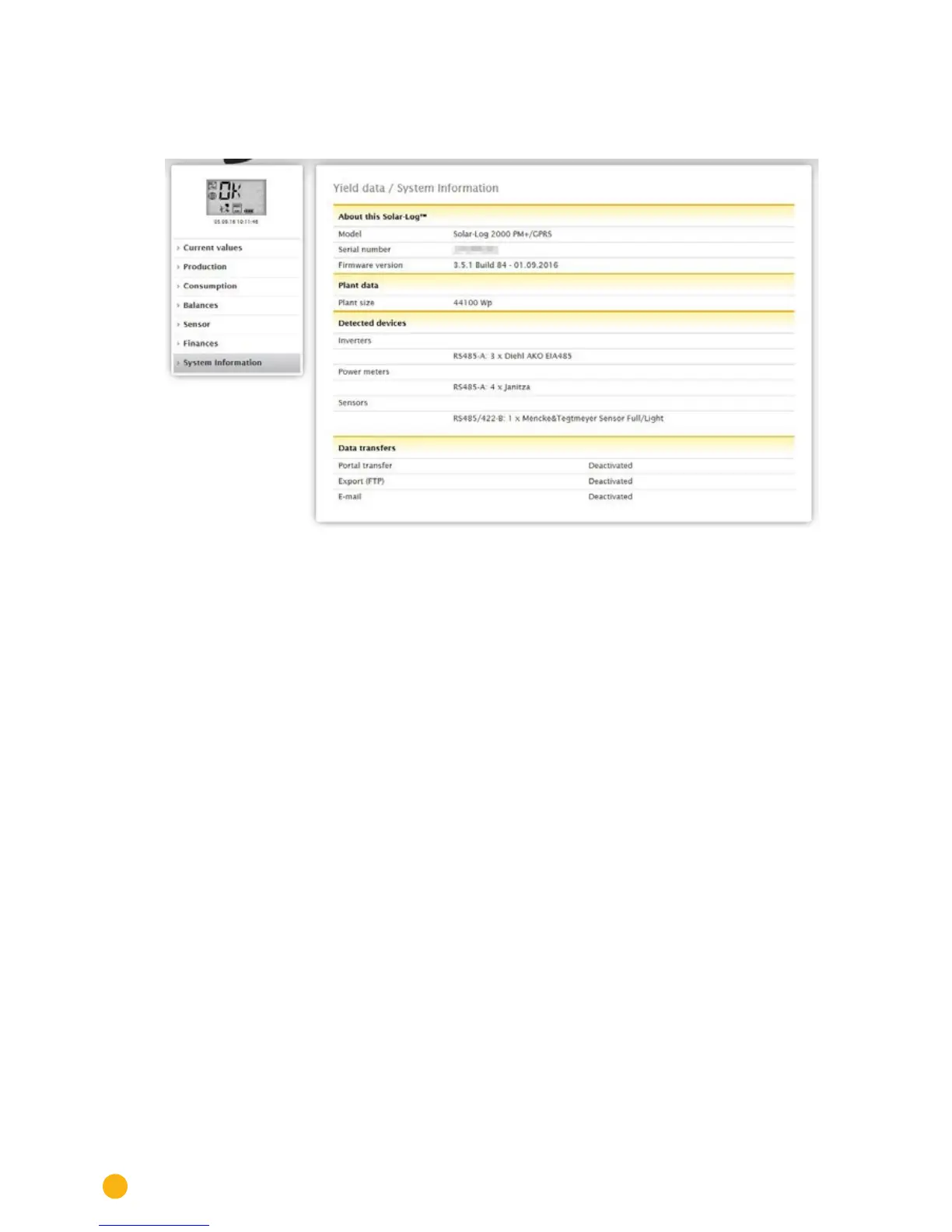
Go to the System information menu to view plant and system information.
Fig.: System information from an example plant
The following information is displayed:
About this Solar-Log™:
•
Model
•
Serial number
•
Firmware version
Plant data:
•
Plant size
Detected devices:
•
Inverters
•
Power meters
•
Sensors
•
Hybrid System
•
Heating rod
•
Heat pumps
•
Charging station
•
Switch
Data transfers:
•
Portal transfer Last transfer with the time and date and state message (in the example: deactivat-
ed).
•
Export (FTP): Last transfer with the time and date and state message (in the example: deactivat-
ed).
•
E-Mail: Last transfer with the time and date and state message (in the example: deactivated).



 To Next Page