46
Operating via a web browser within your own network
Module field comparison
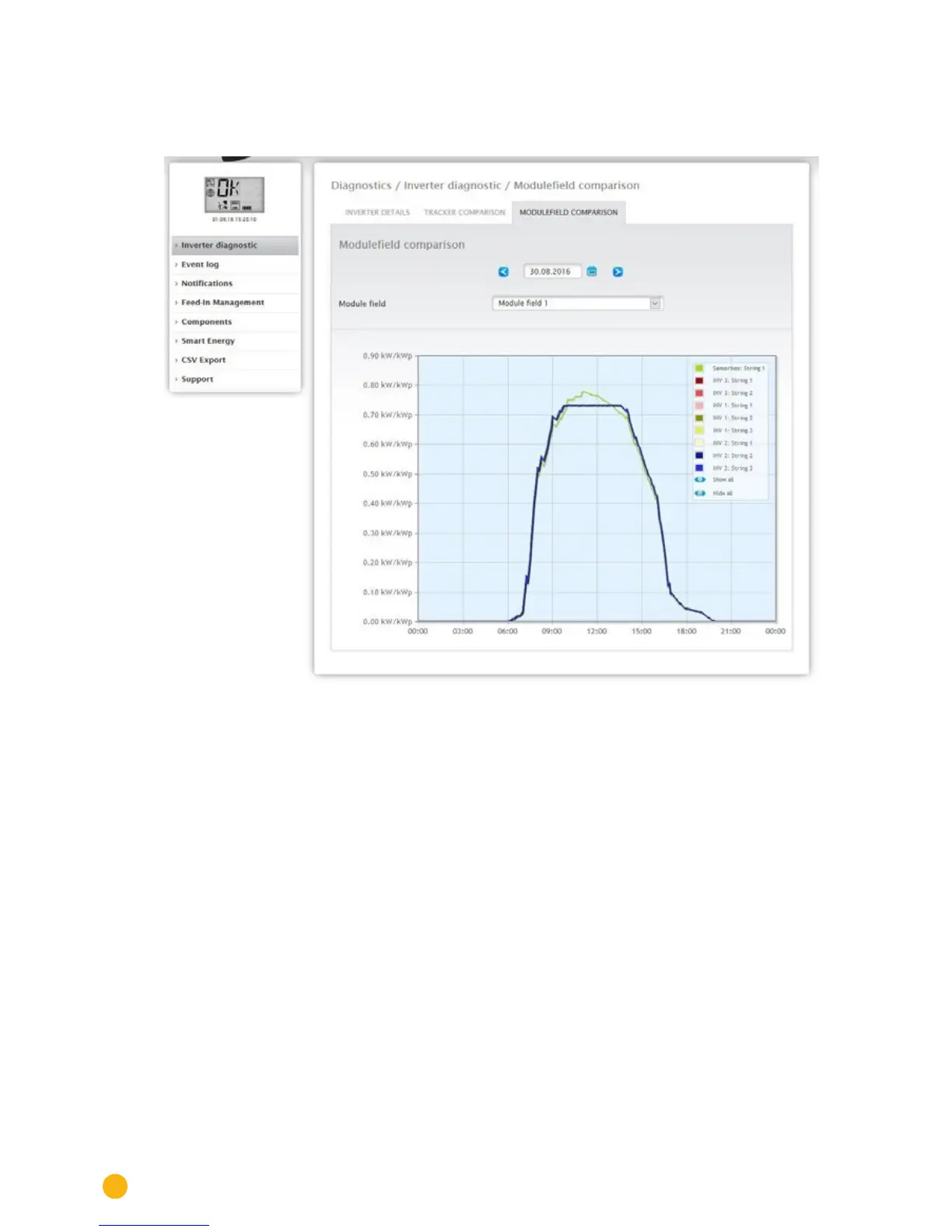
To access the Module field comparison menu, go to Diagnostic | Inverter Diagnostic | Module field com-
parison.
Fig.: Module eld comparison graph
With the Date and Module Field boxes, the module field comparison permits all devices (e.g. inverters and
sensors) and their strings that are assigned to the same module field to be compared on the current and
previous days (see Fig.: Module field comparison graph) in order to more efficiently detect faults from the
performance monitoring.
In the example graph, the following values are displayed:
• Sensor Box
• INV 3
• INV 1
• INV 2
All of the values displayed in the key can be selected and deselected at anytime with a left-click to dis-
play individual values (curve) or to display or hide all values (curves). With a right-click, all of the values
(curves) other than the one selected can be hidden.



 To Next Page