86
Operating the Solar-Log 1200 and 2000 via Touch Display
4 Operating the Solar-Log 1200 and 2000
via Touch Display
The Solar-Log 1200 and 2000 come with a touchscreen that displays information such as output, yield
history (balance, consumption or production – depending on the configuration) and the environmental
contribution and that allows adjustments to the configuration to be made directly on the device.
Note!
Never use a sharp, pointed object on the touch screen!
This will damage the screen's delicate surface.
4.1 Navigating from the touch screen
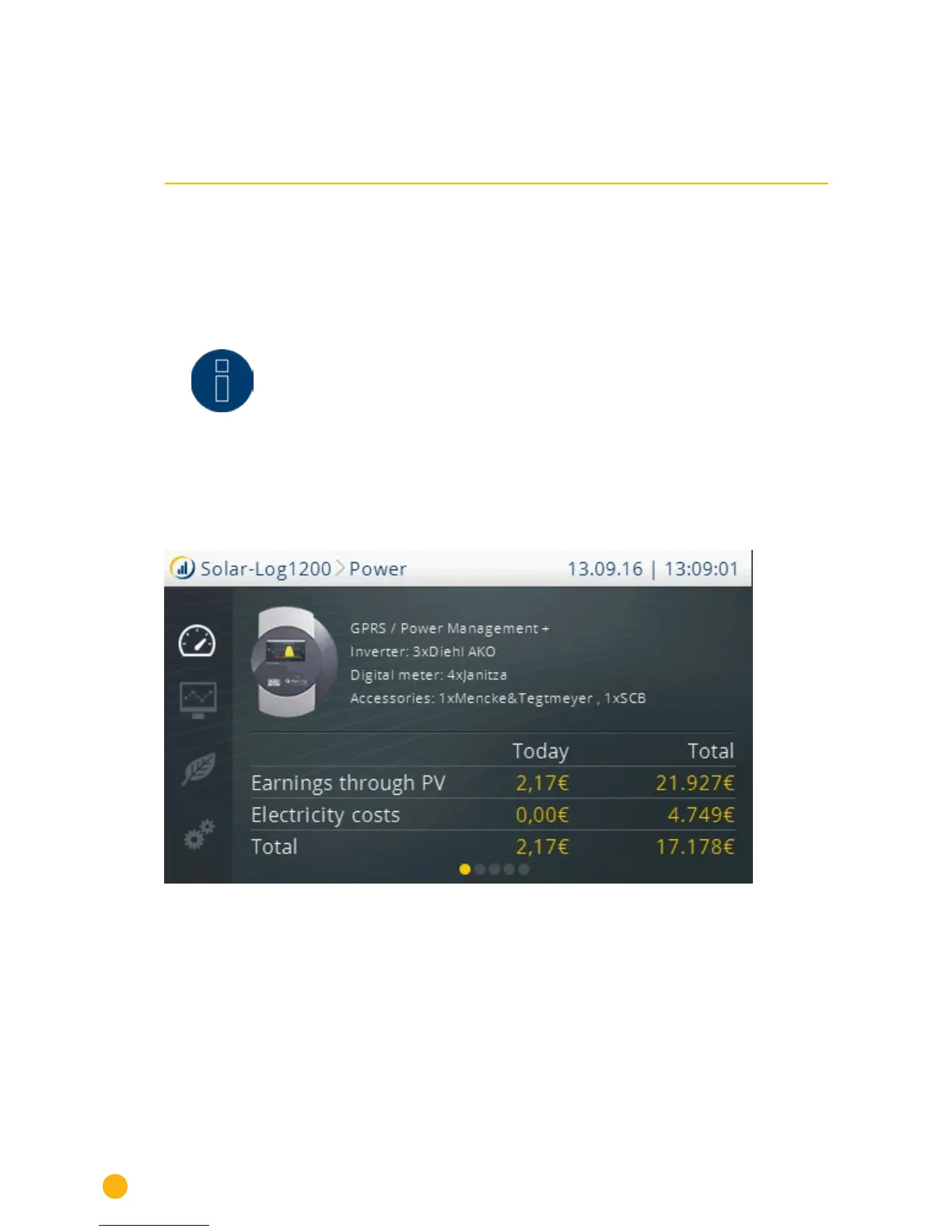
After the Solar-Log 1200 or 2000 has started, the overview view is displayed.
Fig.: Start page of the display
The following is displayed in this view:
The header bar with:
•
the Solar-Log™ module
•
navigation heading
•
date
•
Time
The following symbols are displayed in the left-side navigation menu and can be selected for additional
options:



 To Next Page