92
Operating the Solar-Log 1200 and 2000 via Touch Display
4.6 Accessing Forecast
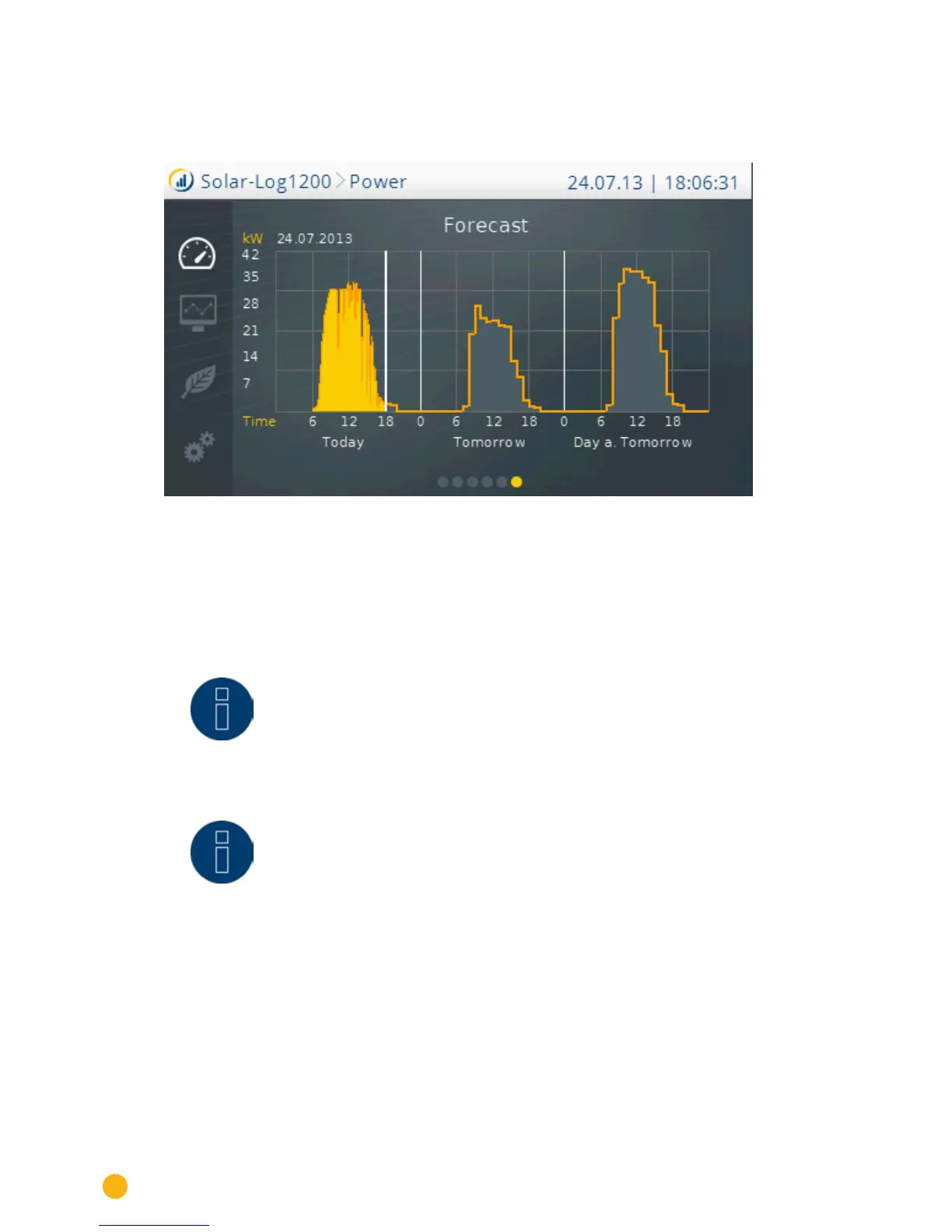
Swipe in the Power menu to go to the forecast.
Fig.: Forecast view
The weather data is updated in the morning and in the evening with the Forecast view. The values for the
current day and the next two days are calculated based on this data and shaded in gray.
This is automatically asked with the Classic 2nd Edition. This has to be entered in the inverter details with
the Commercial Edition.
Note!
It is required to be registered and logged into our portal Classic 2nd or "Commer-
cial Edition" to display the forecast on the Solar-Log™ .
Note!
Plant location and the alignment and inclination of the module need to be config-
ured in the portal to receive daily weather updates.
The weather data is transfer to the Solar-Log™ in the morning and in the evening.



 To Next Page