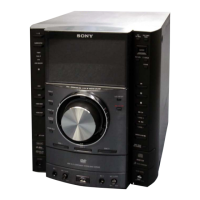
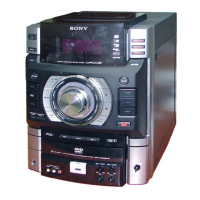
HCD-GT3D
19
2-14. LOUDSPEAKER (20CM)-087-11
1 four screws ((1) (4 × 20), +BV TAPPING)
4 loudspeaker (20cm)-087-11
terminal
(narrow side)
[black/grey]
terminal
(wide side)
[grey]
2 Remove the
loudspeaker (20cm)-087-11
in the direction of the arrow.
:LUHVHWWLQJ
loudspeaker (20cm)-087-11terminal position
,QVWDOODWLRQGLUHFWLRQIRUWKHORXGVSHDNHUFP
3 Push the protrusion,
and remove the terminal
(narrow side) [black/grey].
terminal (narrow side)
[black/grey].
terminal (wide side)
[grey].
3 Push the protrusion,
and remove the terminal
(wide side) [grey].
protrusion
front side
front side



 To Next Page