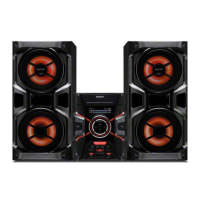
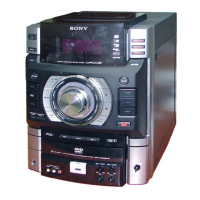
HCD-GT3D
25
To return to the Top Menu of Remocon Diagnosis Menu
Press the [0] button on the remote commander.
• Check Version Information
To check the version information, please follow the following
procedure.
1. From the Top Menu of Remocon Diagnosis Menu, select “4.
Version information” by pressing the [4] button on the remote
commander. The following screen appears on the on-screen
display.
Version information
O Return to Top Menu
Firm (Main) : Ver. xxxxx
Firm (Sub) : xxxxx
RISC : xxxxx
8032 : xxxxx
Audio DSP : xxxxx
Servo DSP : xxxxx
To return to the Top Menu of Remocon Diagnosis Menu, press
the [0] button on the remote commander.
Ver. 1.1


 To Next Page