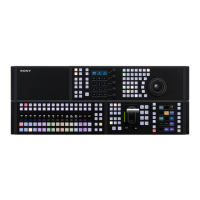
ICP-X7000
3-3 (E)
3-3. To Use Indicators Long
In the ICP-X7000, RGB LEDs are used for lighting switch-
es and organic EL display devices are used for source name
indicators. The brightness of these devices gradually
decreases and burn-in of display patterns is generated in
proportion to the operating time or the brightness of these
devices.
The ICP-X7000 provides the following settings for long
use of these devices.
For details of the settings, refer to Section 18 “Settings
Relating to Control Panel Configuration” of the User's
Guide.
. Panel sleep mode
This mode suppresses the brightness in the idle mode to
use display devices efficiently.
. Adjustment of brightness
Proper brightness can be set for each organic EL display
device and RGB LED.



 To Next Page
 Loading...