ICP-X7000
1-78 (E)
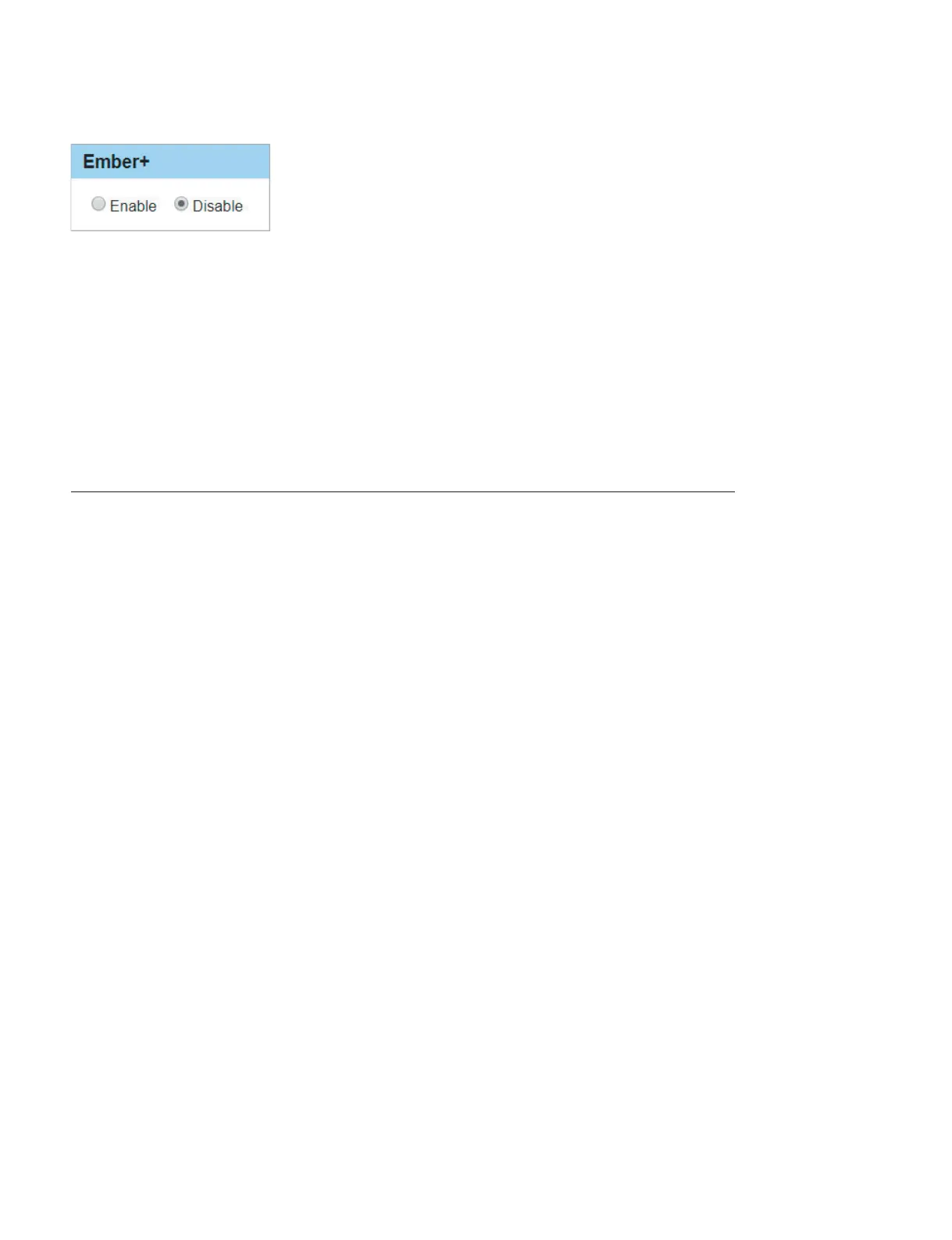
3. Select “Enable” or “Disable” for [Ember+].
. Enable: Enables the Ember+ protocol.
. Disable: Disables the Ember+ protocol. (Initial value)
4. Click [Apply].
The settings are stored.
1-17-5. Settings when Using Network AUX Remote
This section describes settings when using the NS-BUS remote control panel as an AUX remote controller
without using the system controller (PWS-110NM1/PWS-110RS1).
Network settings for the NS-BUS remote control panel
The following describes how to connect the NS-BUS remote control panel (MKS-R3210/MKS-R1620) to
a PC and to make network settings using the Web menu on the NS-BUS remote control panel.
t
For details of the Web menu on the NS-BUS remote control panel, refer to the MKS-R3210/MKS-R1620
instruction manual.
Preparation
1. Connect the LAN1 connector on the MKS-R3210/MKS-R1620 to the PC.



 To Next Page
 Loading...