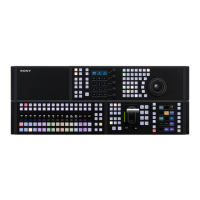
ICP-X7000
1-79 (E)
Procedure
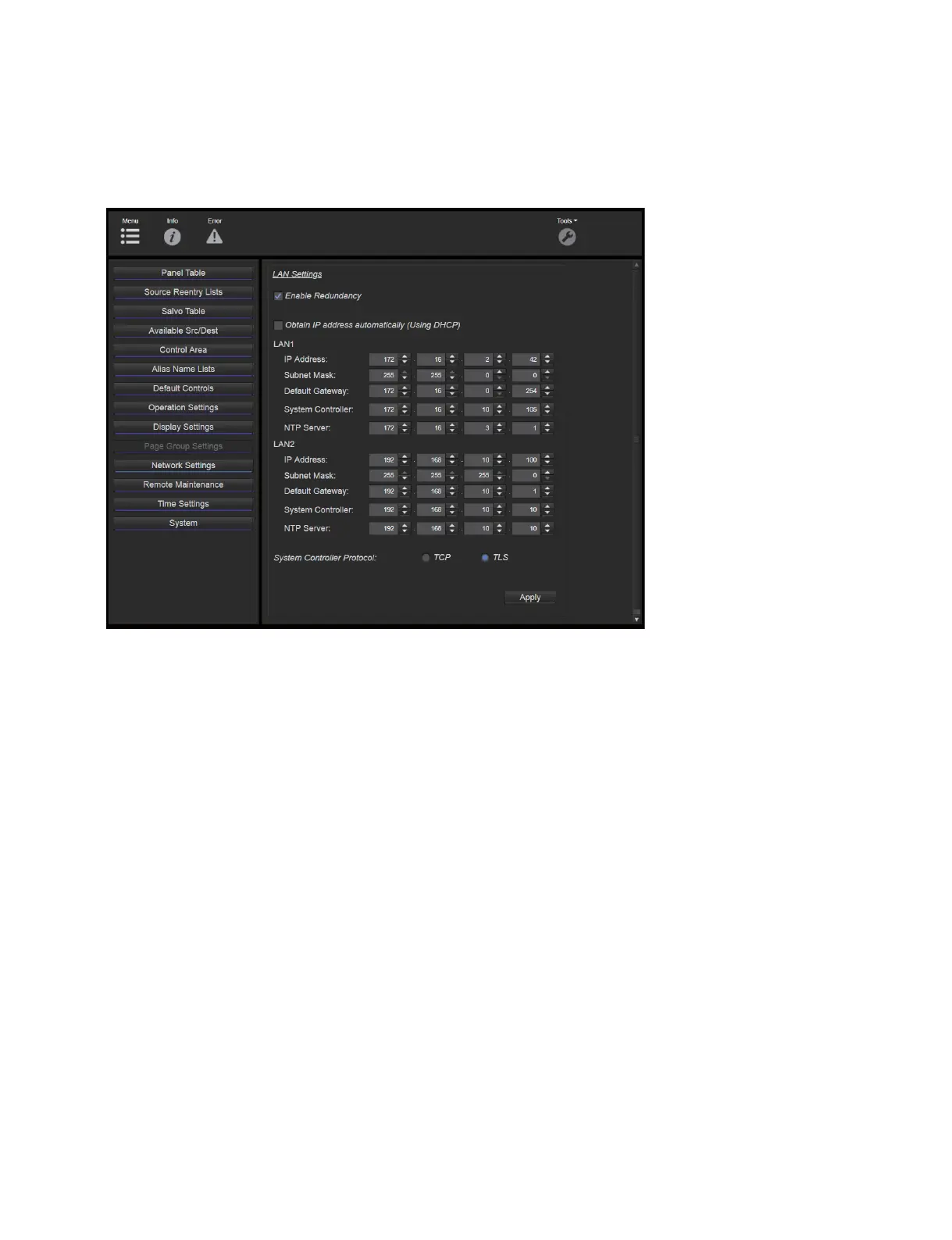
1. Open the Web menu on the NS-BUS remote control panel, and then click [Network Settings] on the
left side of the window.
The LAN Settings window appears.
2. Clear the “Obtain IP address automatically (Using DHCP)” checkbox, and then make LAN1 network
settings.
. IP Address: IP address of NS-BUS remote control panel (MKS-R3210/MKS-R1620)
. Subnet Mask: Subnet mask of NS-BUS remote control panel (MKS-R3210/MKS-R1620)
. Default gateway: Default gateway of NS-BUS remote control panel (MKS-R3210/MKS-R1620)
. System Controller: IP address of switcher control station (PWS-100SC1/PWS-110SC1)
. NTP Server: IP address of switcher control station (PWS-100SC1/PWS-110SC1)
3. Click the [Apply] button.
4. Restart the MKS-R3210/MKS-R1620.
After restart, the set values are applied.



 To Next Page
 Loading...