Digital Video Recorder
11
Arrow Buttons
These buttons are used to navigate through menus and GUI. You can also use them to change numbers by highlighting
a number in the menu and using the Up and Down arrow buttons to increase or decrease the number’s value. These
buttons are also used to control Pan and Tilt when in the PTZ mode.
Menu Button
In the Live Monitoring mode and Search mode, pressing the
MENU button displays the menu icons to the right edge
of the screen.
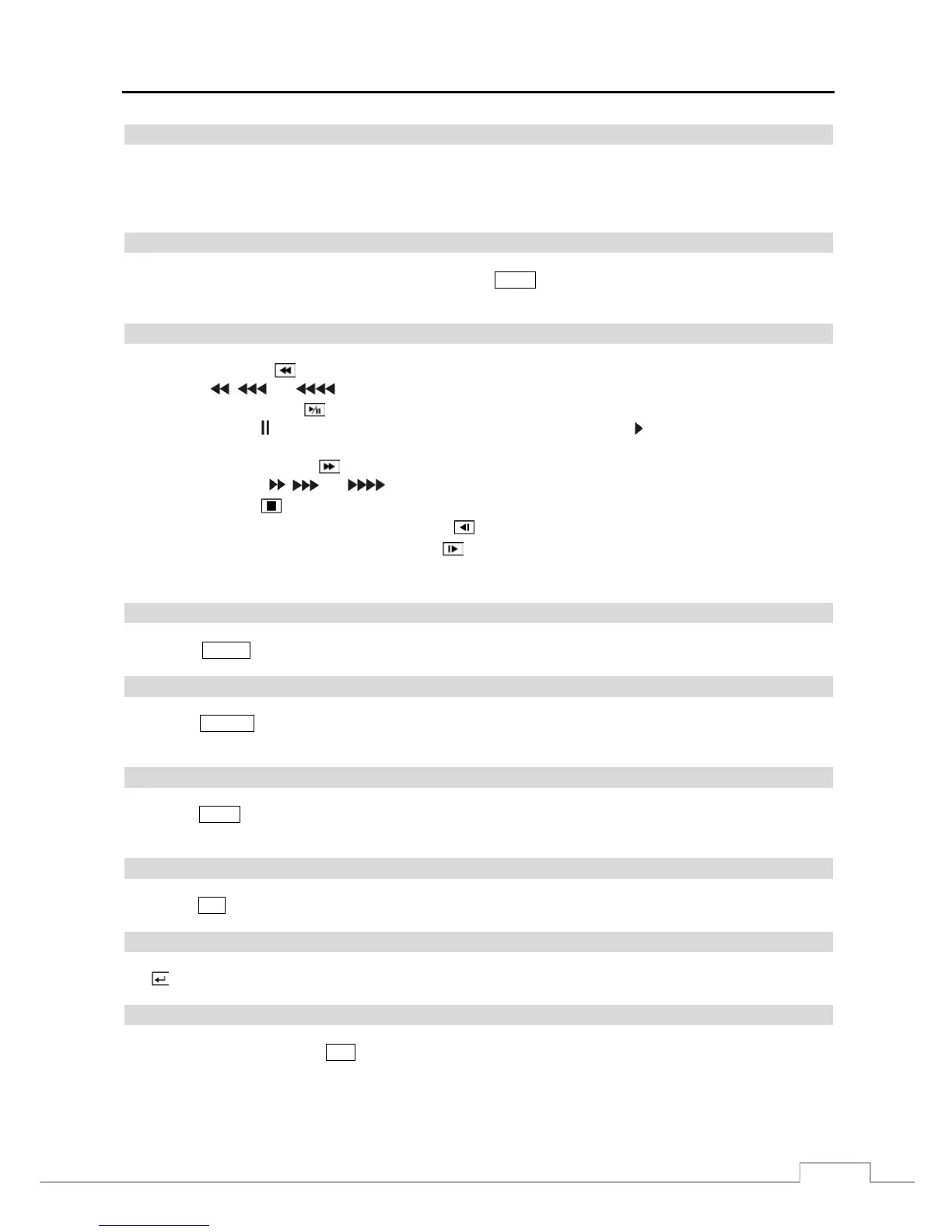
Playback Buttons
Rewind: Pressing the button plays video backward at high speed. Pressing the button again toggles the playback
speed from
, and .
Play/Pause: Pressing the
button plays back video at regular speed and pressing the button again pauses video.
The screen displays
when the DVR is in the Pause mode and the screen displays when the DVR is playing back
video.
Fast Forward: Pressing the
button plays video forward at high speed. Pressing the button again toggles the
playback speed from
, and .
Stop: Pressing the button stops playback and enters the Live Monitoring mode.
Backward: When in the pause mode, pressing the button moves to the previous image.
Forward: When in the pause mode, pressing the button moves to the next image.
In the Live Monitoring mode, pressing any playback button enters to the Search mode.
Alarm Button
Pressing the
ALARM button resets the DVR’s outputs including the internal buzzer during an alarm.
Layout Button
Pressing the LAYOUT button toggles between different display formats. The available formats are: 5x4, 4x4, 4x3, 3x3,
3x2, 2x2 and PIP.
Zoom Button
Pressing the ZOOM button zooms the current image on the screen. A PIP with a rectangle temporarily displays showing
what area of the screen has been enlarged. You can use the arrow buttons to move the rectangle to another area.
PTZ Button
Pressing the PTZ button enters the PTZ (Pan/Tilt/Zoom) mode which allows you to control properly configured cameras.
Enter Button
The
(Enter) button selects a highlighted item or completes an entry that you have made during system setup.
Esc Button
During menu setup, pressing the ESC button closes the current menu or setup dialog box.



 To Next Page