EZ Setup & Main Interface
DVR User Manual
11
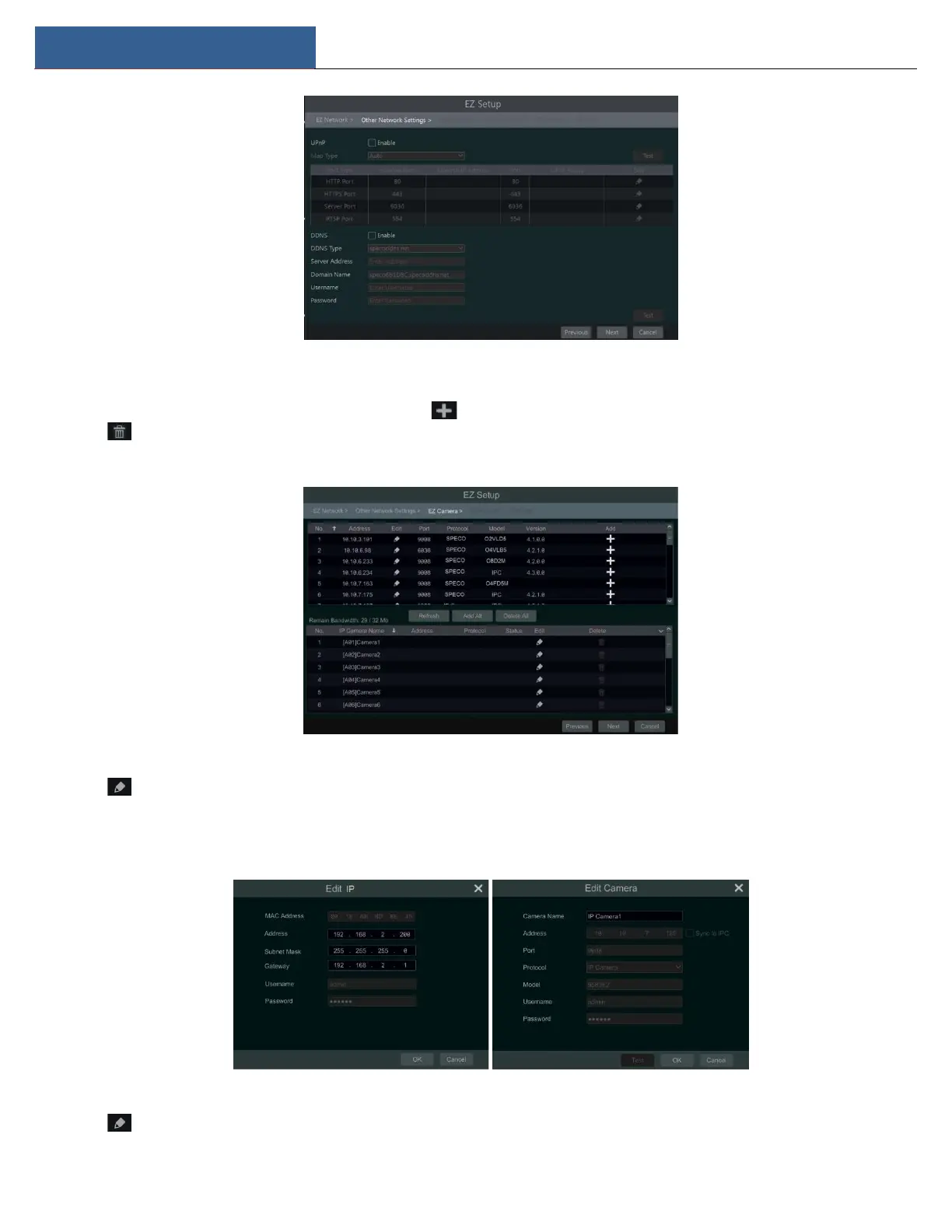
④ Add Camera.To add cameras from the LAN, make sure all cameras are set to DHCP. Click “Refresh” to refresh the list of online IP cameras
which are in the same local network with DVR and then click to add the searched camera. Click “Add All” to add all the cameras in the list.
Click to delete the added camera. Click “Delete All” to delete all the added cameras.
Click to edit the searched IP camera as shown below left. Enter the new IP address, subnet mask, gateway, username, and the password of
the camera. You can check “Sync to IPC” to modify the IP address of the IPC via different network segments for being in the same network segment
with the DVR. Click “OK” to save the settings.
Click to edit the added camera as shown above right. Enter the new camera name, IP address, port, username, and the password of the



 To Next Page