Spectralink IP-DECT Server 6500 Installation and Configuration Guide
14215700 Version 3.0
April, 2014 98
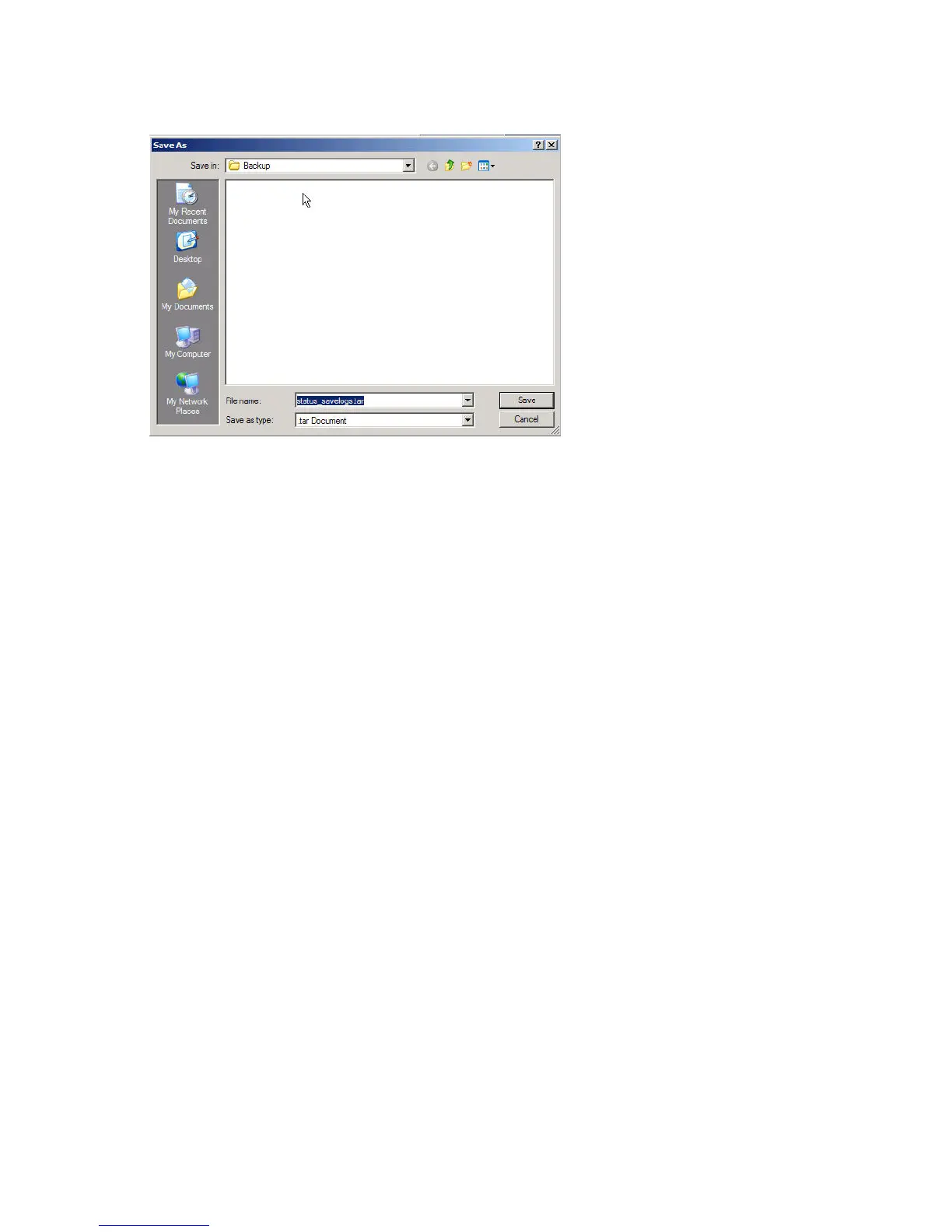
Figure 96 Adm. Page: Save As dialog box
4 Indicate in which folder and under what name the file should be saved, and then click Save.
It is now possible to send the log files to authorized technicians for further support and problem
solving.
Reading Statistics
Statistic information about the base station is retrieved from the Administration Page of the
Spectralink IP-DECT Server 6500.
Sync State of Base Station
You can get information about the synchronization state of the base station - the uptime and to
which radio unit it synchronizes on. This is useful when you want to get an overview of the base
stations and in case of problem solving.
Checking Sync State
1 Click Administration, and then click Base Station.


 To Next Page