Spectralink IP-DECT Server 6500 Installation and Configuration Guide
14215700 Version 3.0
April, 2014 41
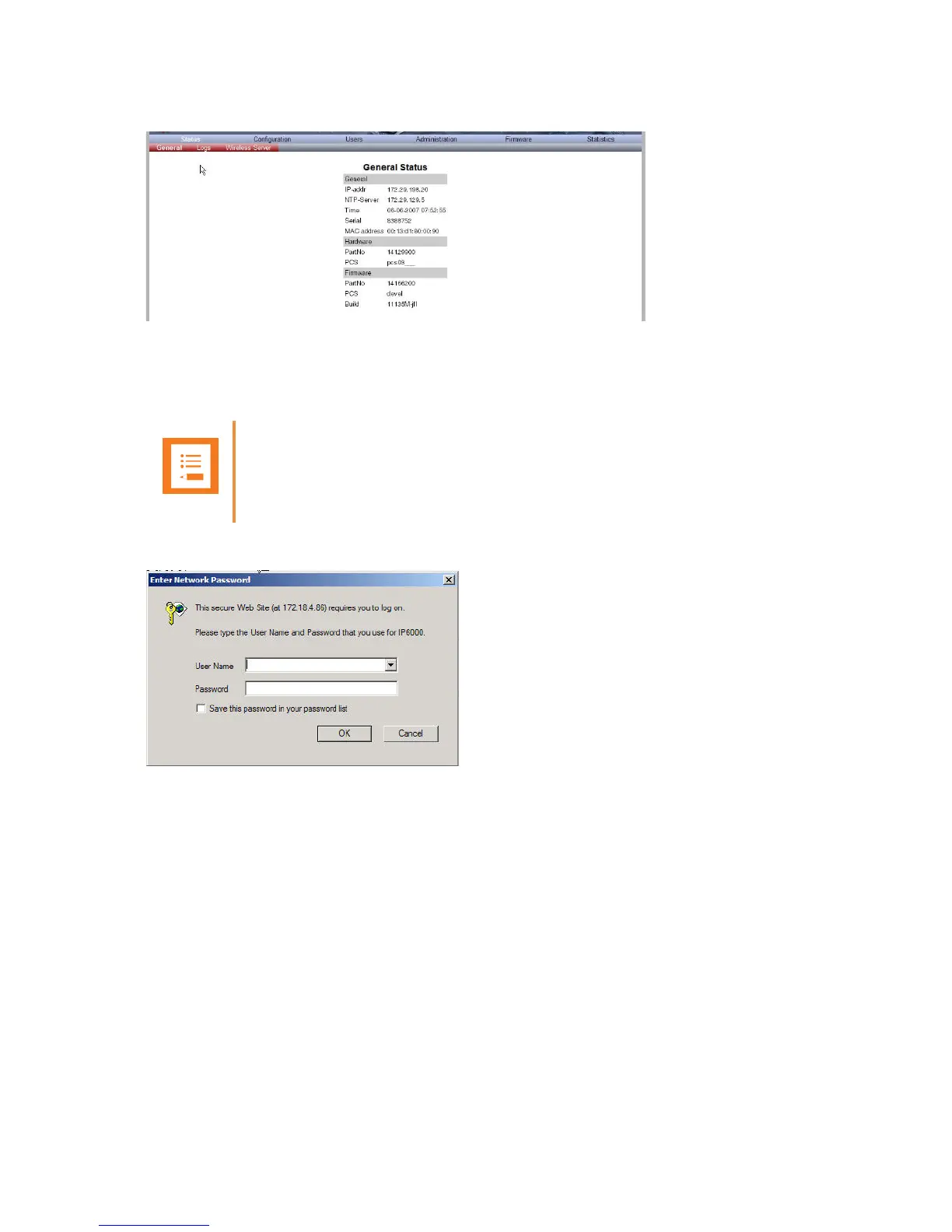
Figure 17 Main page of the Administration Page for wireless server
Entering a System User Name and Password
When you access the Administration Page, you need to log on with a user name and a password.
Figure 18 Adm. Page: Enter Network Password dialog box
1 In the User Name field, type admin.
2 In the Password field, type ip6000.
3 Click OK.
Note
The default user name of the system is admin and the default password of the system is
ip6000. It is strongly recommended that you change the password.



 To Next Page