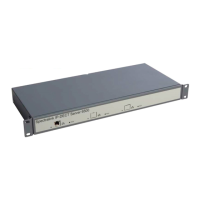
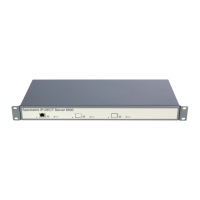
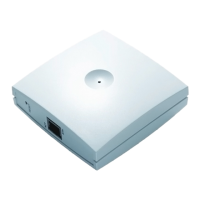
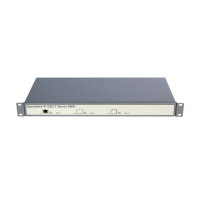
Spectralink IP-DECT Server 6500 Installation and Configuration Guide
14215700 Version 3.0
April, 2014 15
Chapter 3: Installing Spectralink IP-DECT
Server 6500 and Spectralink Media
Resource
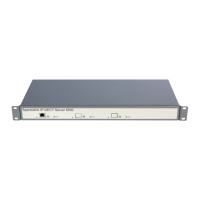
This section provides a description of the Spectralink IP-DECT Server 6500 and media resource.
The section also provides information about resetting the Spectralink IP-DECT Server 6500
hardware using the Reset button on the Spectralink IP-DECT Server 6500/media resource print
board.
Before you install the equipment, ensure that a site planner defines the locations of the Spectralink
IP-DECT Server 6500 and media resources.
For outdoor installations, the following items should be present in every box containing a
Spectralink Wireless Server 600v3:
• Spectralink Wireless Server 600v3
• Two mounting screws and anchors
Description
Types and Part Numbers
The following table includes a list of available Spectralink IP-DECT Server 6500 and their part
numbers.
Note
The installation of a media resource is optional. Installation of a media resource will augment
the number of simultaneous voice calls supported by a stand-alone server. The Spectralink
IP-DECT Server 6500 comes with one build-in media resource.
Table 3 Spectralink IP-DECT Server 6500 Part Numbers
Variants of Spectralink IP-DECT Server 6500 Part Number
Spectralink IP-DECT Server 6500 Rack (two empty slots) 02350000


 To Next Page