Spectralink IP-DECT Server 6500 Installation and Configuration Guide
14215700 Version 3.0
April, 2014 85
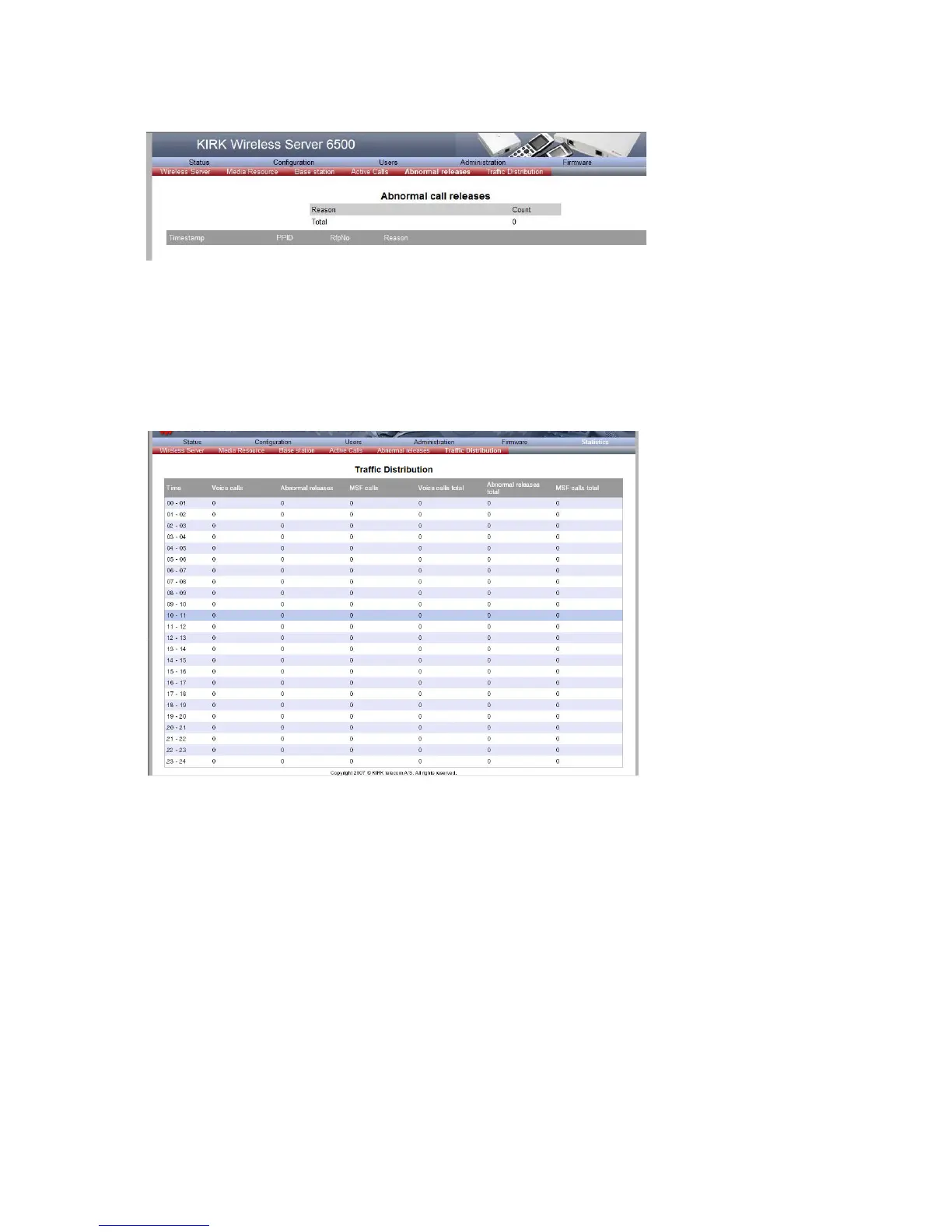
Figure 72 Adm. Page Wireless Server: Statistics/Abnormal Releases page
Traffic Distribution
This page is useful to get statistic information about traffic distribution during the last 24 hours in
a Spectralink IP-DECT Server 6500 installation.
1 Click Statistics, and then click Traffic Distribution.
Figure 73 Adm. Page Wireless Server: Statistics/Traffic Distribution page
Making a Back-Up of the Configuration File
This section provides information about saving the configuration data of the Spectralink IP-DECT
Server 6500, registration and subscription data of the handset and system information.
When saving the configuration data you have an overall overview of the Spectralink Wireless
Server which is useful in case of problem solving.
1 Click Configuration, and then click Backup/Restore.



 To Next Page