Spectralink IP-DECT Server 6500 Installation and Configuration Guide
14215700 Version 3.0
April, 2014 83
Wireless Server
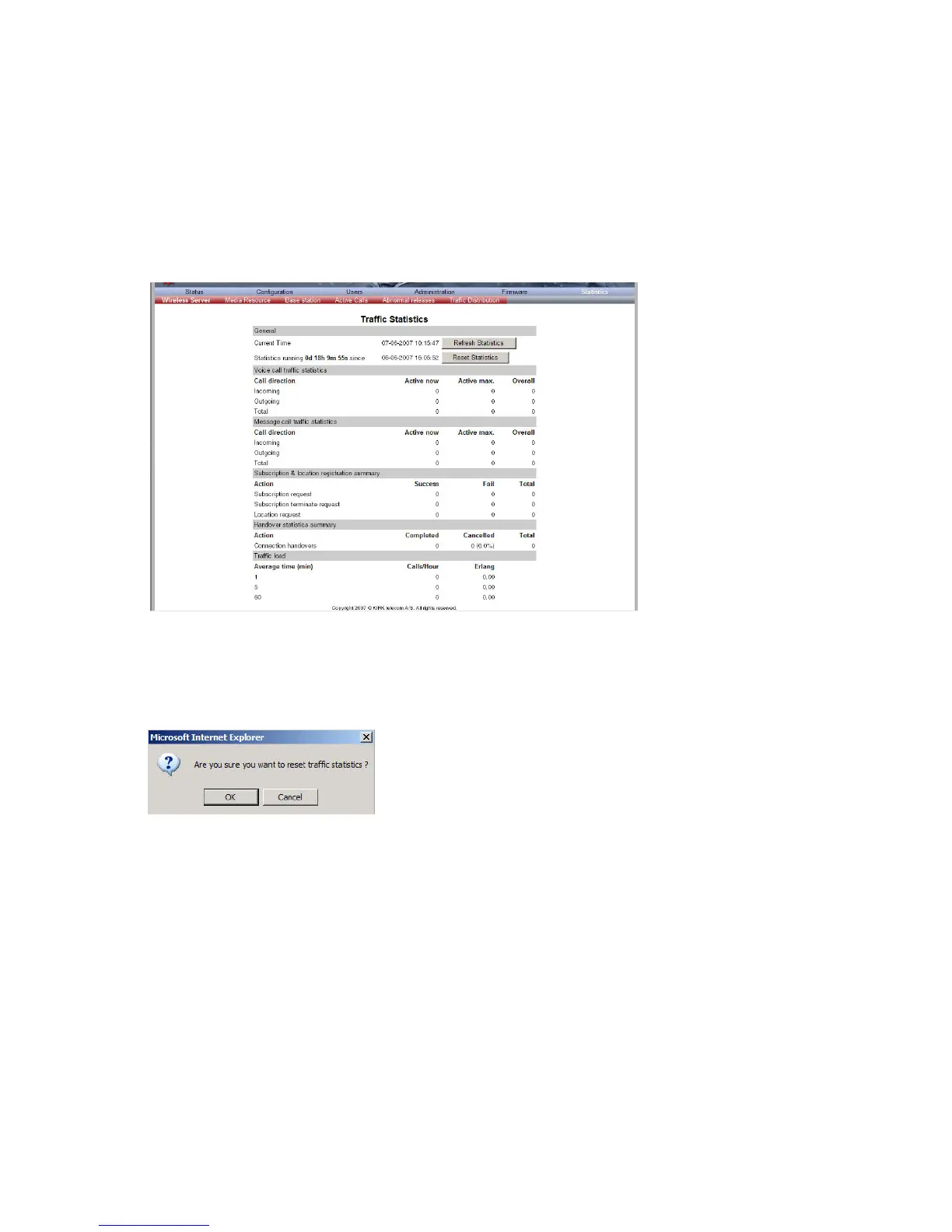
This page is useful to get information about traffic on the Spectralink IP-DECT Server 6500 such
as voice call traffic and message call traffic and it provides a summary of subscription and
handover statistics. It also provides information about the traffic load (Erlang) of the installation
which is useful when determining the number of media resources needed.
1 Click Statistics, and then click Wireless Server.
Figure 67 Adm. Page Wireless Server: Statistics/Wireless Server page
2 Click Reset Statistics if you want to delete all statistic traffic information.
A warning message appears.
Figure 68 Warning message
3 Click OK.
Media Resource
This page is useful to get information about the media resource.
1 Click Statistics, and then click Media Resource.



 To Next Page