Spectralink IP-DECT Server 6500 Installation and Configuration Guide
14215700 Version 3.0
April, 2014 70
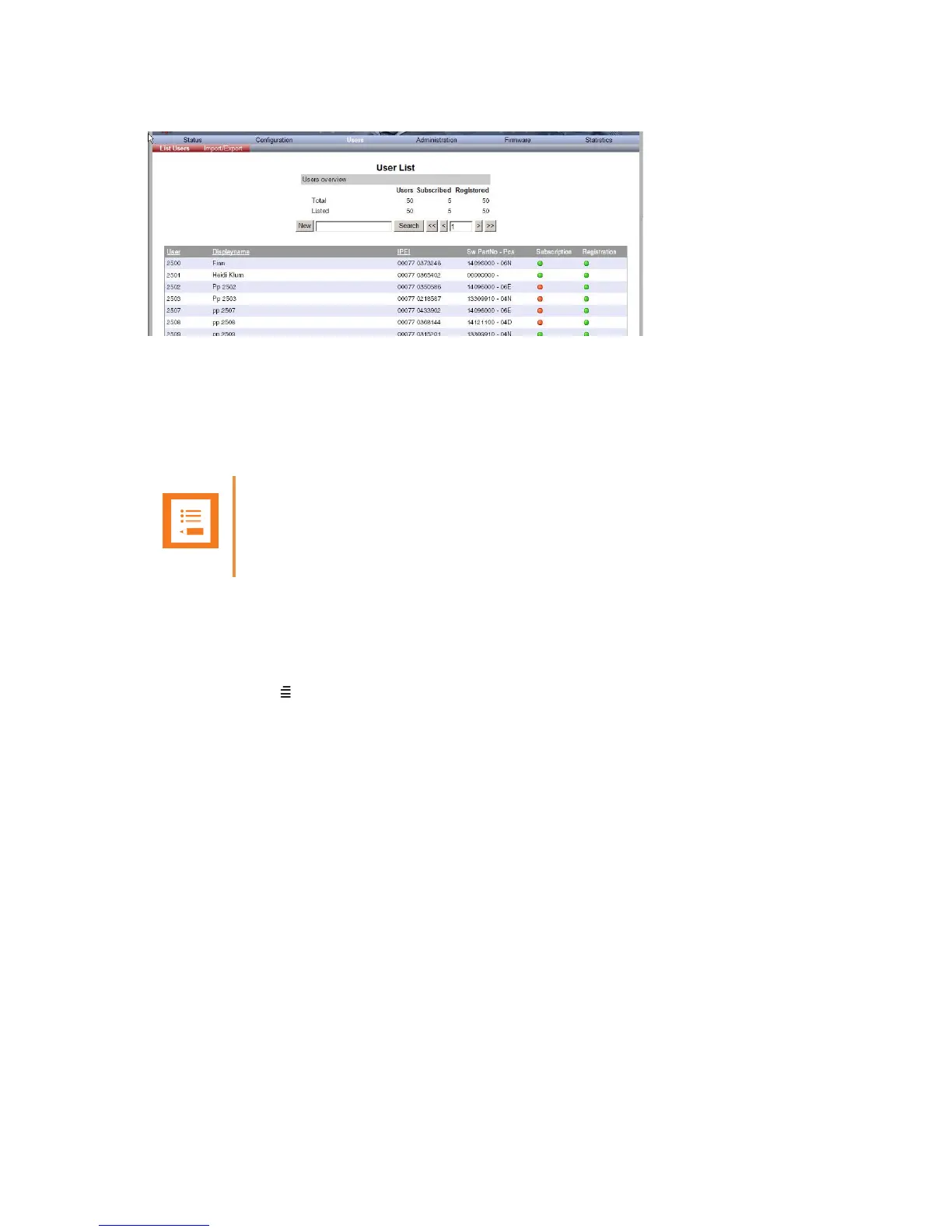
Figure 46 Adm. Page WS: Users/List Users page
2 Type the beginning of a user, display name or IPEI to search for in the text field, and then
click Search.
Unsubscribing Spectralink Handsets
Spectralink 40-Handset
To unsubscribe a handset:
1 Press MENU ().
2 Press < - go to MENU LOGIN.
3 Press .
4 Press < - go to SUBSCRIPTION REMOVE.
5 Press .
6 Enter password (0000).
7 Press .
8 If handset is subscribed to more than one system, select the system ARI in question.
The handset has been unsubscribed.
Note
Removing a subscription requires a password. The default password is: 0000.



 To Next Page