Spectralink IP-DECT Server 6500 Installation and Configuration Guide
14215700 Version 3.0
April, 2014 39
Chapter 7: Configuring the IP-DECT Server
6500
This section provides you with information on how to power up the Spectralink IP-DECT Server
6500 and connect the unit to a computer. It also provides information on how to configure a
Spectralink IP-DECT Server 6500 through the web based Administration Page using either DHCP
or static IP address.
Discovering the Spectralink IP-DECT Server 6500 via
UPnP
The Spectralink IP-DECT Server 6500 is setup with DHCP enabled by default. You therefore have
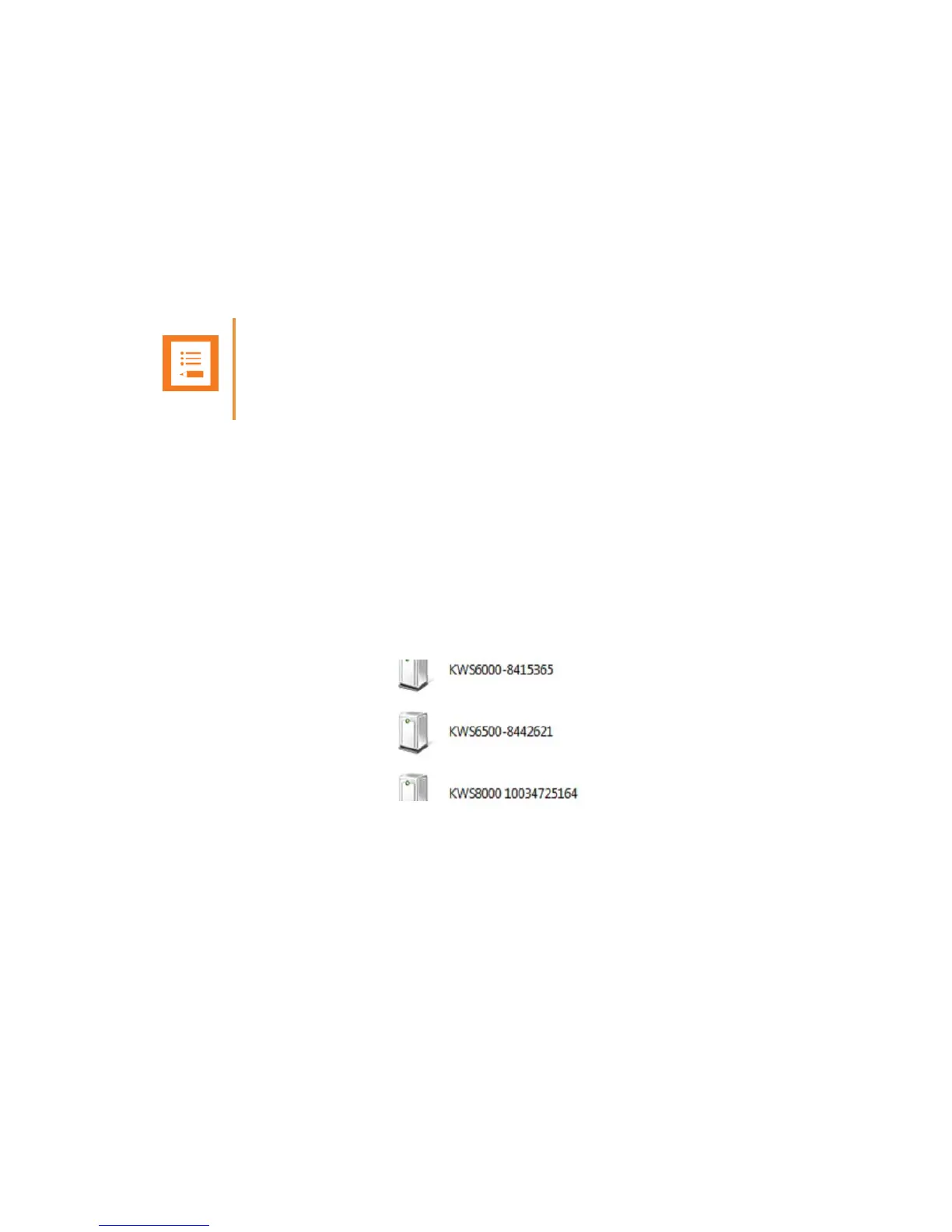
to use UPnP to discover the Spectralink IP-DECT Server 6500. The Spectralink IP-DECT Server
6500 will appear under Network and Other Devices as "Spectralink IP-DECT Server 6500-<Serial
number> ", for example Spectralink IP-DECT Server 6500-8442621.
Figure 15 Using UPnP to discover Spectralink IP-DECT Server 6500
Double-click the icon to access the Spectralink IP-DECT Server 6500 web user interface.
Accessing the Web Based Administration Page
The Spectralink IP-DECT Server 6500 can only communicate with the network through a patch
cable connected to a 10/100-Mbit/s Switch port.
Note
The Spectralink IP-DECT Server 6500 is pre-configured to use a DHCP assigned IP address.
If no DHCP server is available, connect directly to the server using a patch cable. Then wait
one minute for the server to fall back to the IP address: 192.168.0.1.



 To Next Page