Spectralink IP-DECT Server 6500 Installation and Configuration Guide
14215700 Version 3.0
April, 2014 48
3 Click Save to save the SIP configuration data.
Security Configuration
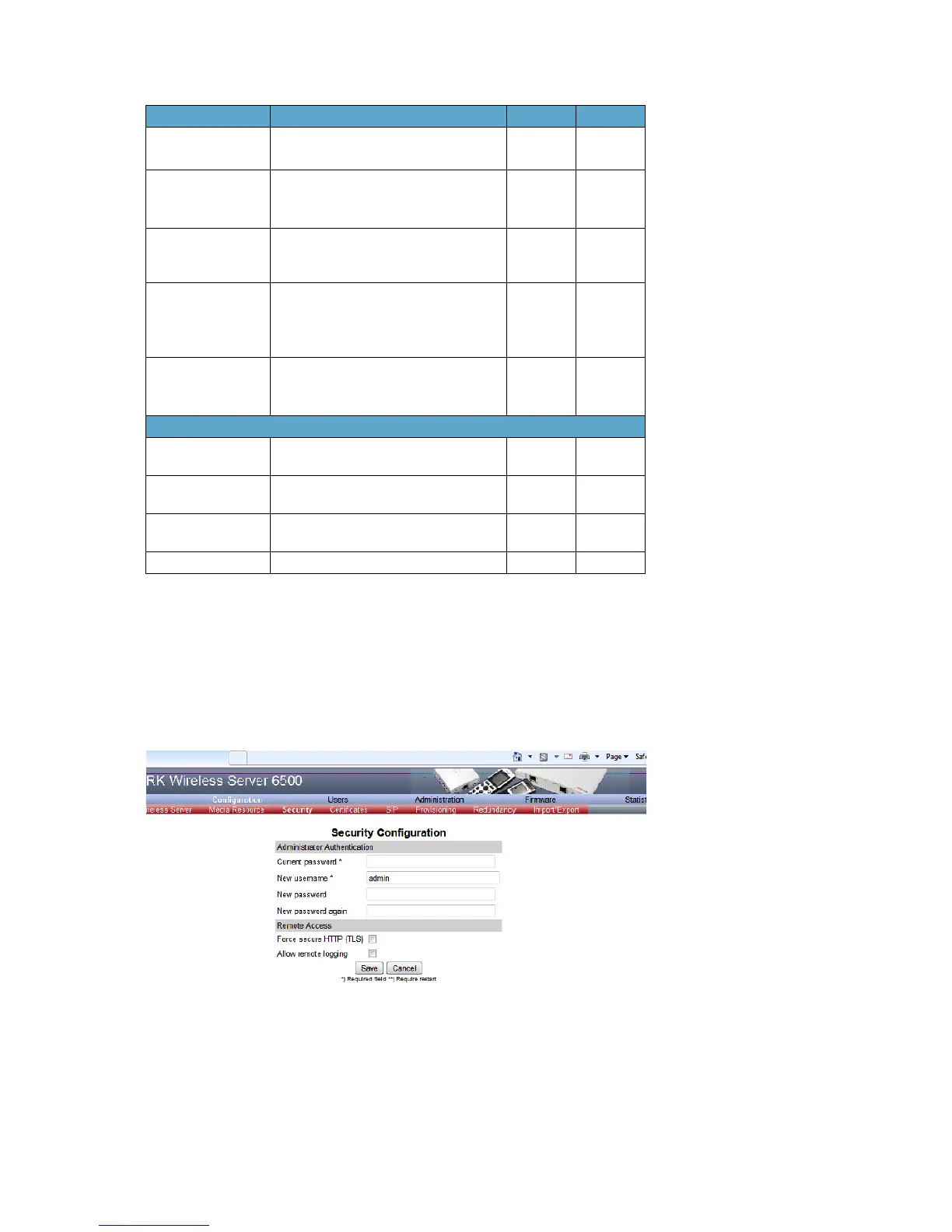
It is possible to change the password for the unit from the Configuration/Security page.
1 Click Configuration, and then click Security (optional).
Figure 24 Adm. Page: Configuration/Security page
2 In the Current password field, type the current password.
Port Range Start Port range used for RTP. The default
value is 58000
x
Codec priority Define the priorities of codecs.
Values: PCMU/PCMA (G.711
ulaw/alaw), G.726, G.729.
x
SDP answer with
preferred codec
Specifies if the media handling should
ignore the remote SDP offer codec
priorities.
x
SDP answer with a
single codec
Specifies if the media handling should
provide only a single codec in SDP
answers.
x
Ignore SDP version Ignore the version of the SDP received
from remote endpoints.
x
SIP Configuration - Call Status
Play on-hold tone Enable check box to receive on-hold
tone when placed on hold.
x
Display status
messages
Enable check box to receive status
messages in the handset display.
x
‘#’ key ends overlap
dialing
Pressing the pound key dials number in
overlap dialing.
x
Call waiting Enable call waiting x
Field Explanation Required Optional



 To Next Page