Spectralink IP-DECT Server 6500 Installation and Configuration Guide
14215700 Version 3.0
April, 2014 32
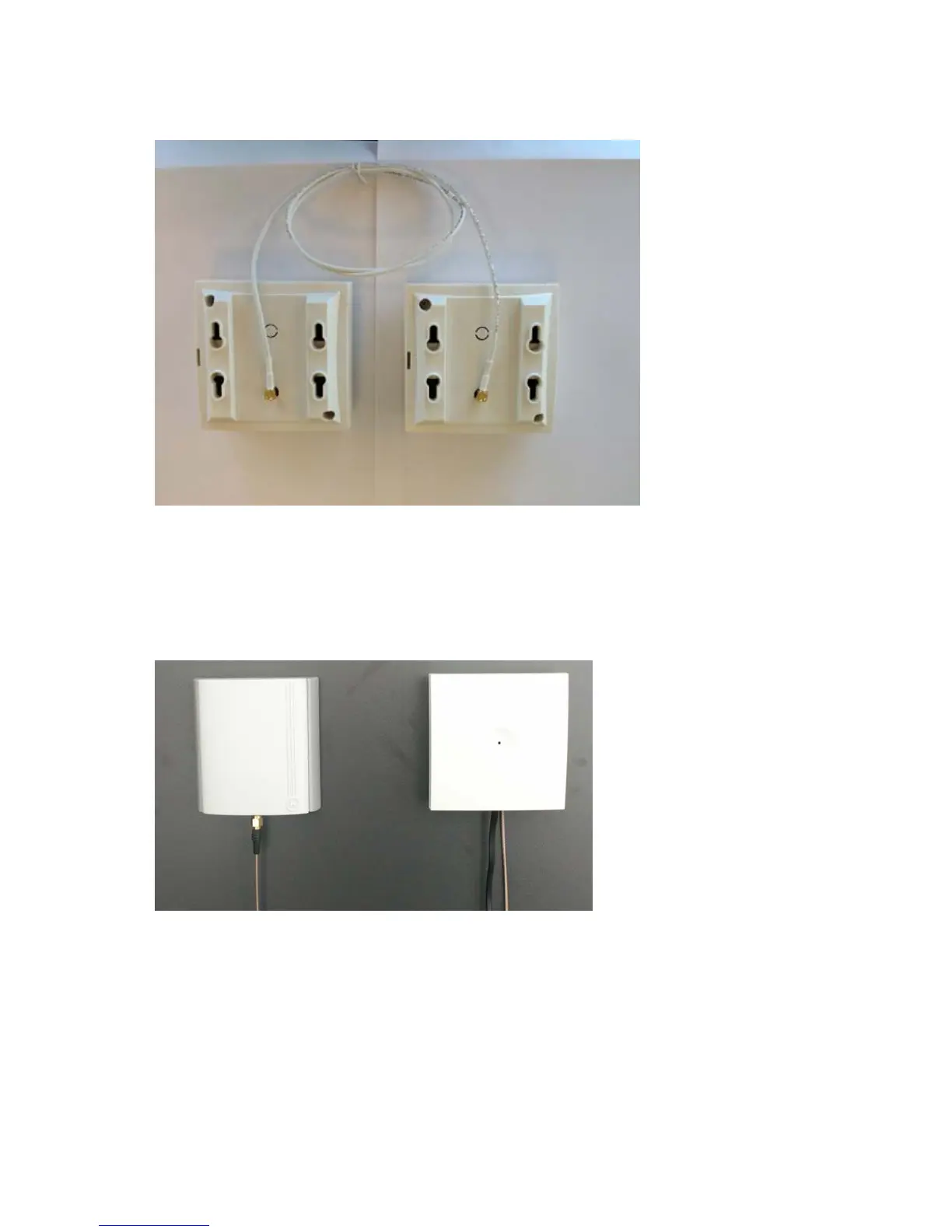
Figure 11 Connect Power to the Bottom of the Repeater and External Antenna Cable to the Rear of the Repeater
1 Connect the power supply cable into the RJ9 (4P4C) connector in the bottom of the repeater.
For repeaters with external antenna, connect the external antenna cable to the antenna
connector in the rear of the repeater as well.
2 Mount the repeater onto the wall using the screws accompanying the repeater.
Figure 12 Repeater and External Antenna Installed on the Wall
1) External Antenna
Only for repeaters supplied with external antenna connection)
The external antenna cable is only for repeaters supplied with external antenna connection.
2) Repeater
1) 2)



 To Next Page