Spectralink IP-DECT Server 6500 Installation and Configuration Guide
14215700 Version 3.0
April, 2014 27
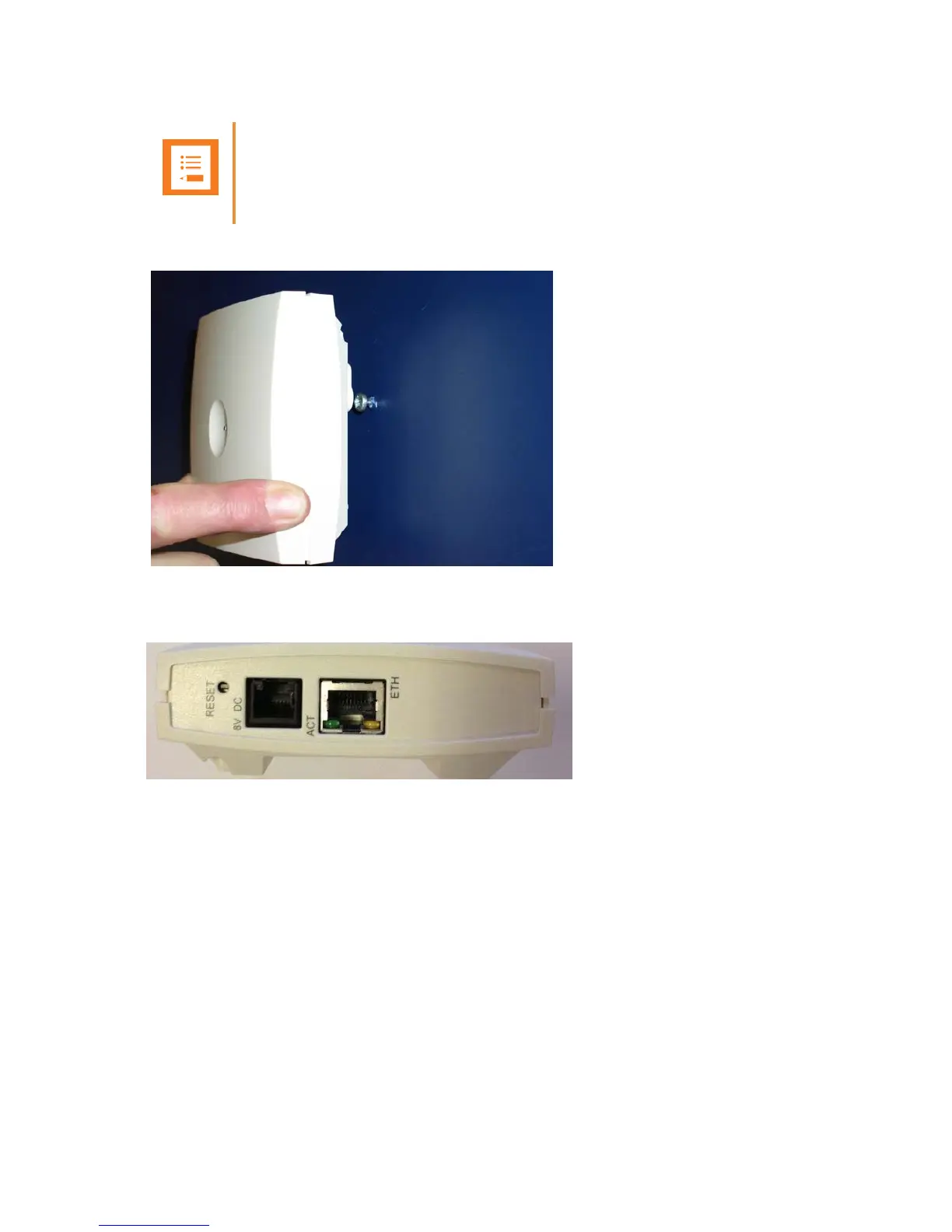
1 Mount the base station on the wall using the anchors and screws accompanying the product.
Figure 8 Base Station Wall Mounting
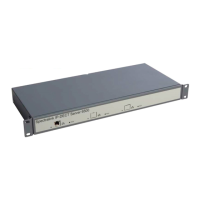
1 Connect the RJ45 plug to the ethernet connector at the bottom of the base station.
44
Figure 9 Base Station - Ethernet Connector
Recording the Installation Information
After completing the installation of the base stations, record the location of each base station and
add a descriptive text in the Administration Page of the Spectralink IP-DECT Server 6500 under
Administration/Base stations.
Note
When you place the base station on the screws, ensure that the screws do not touch the
printed circuit board..


 To Next Page