Spectralink IP-DECT Server 6500 Installation and Configuration Guide
14215700 Version 3.0
April, 2014 94
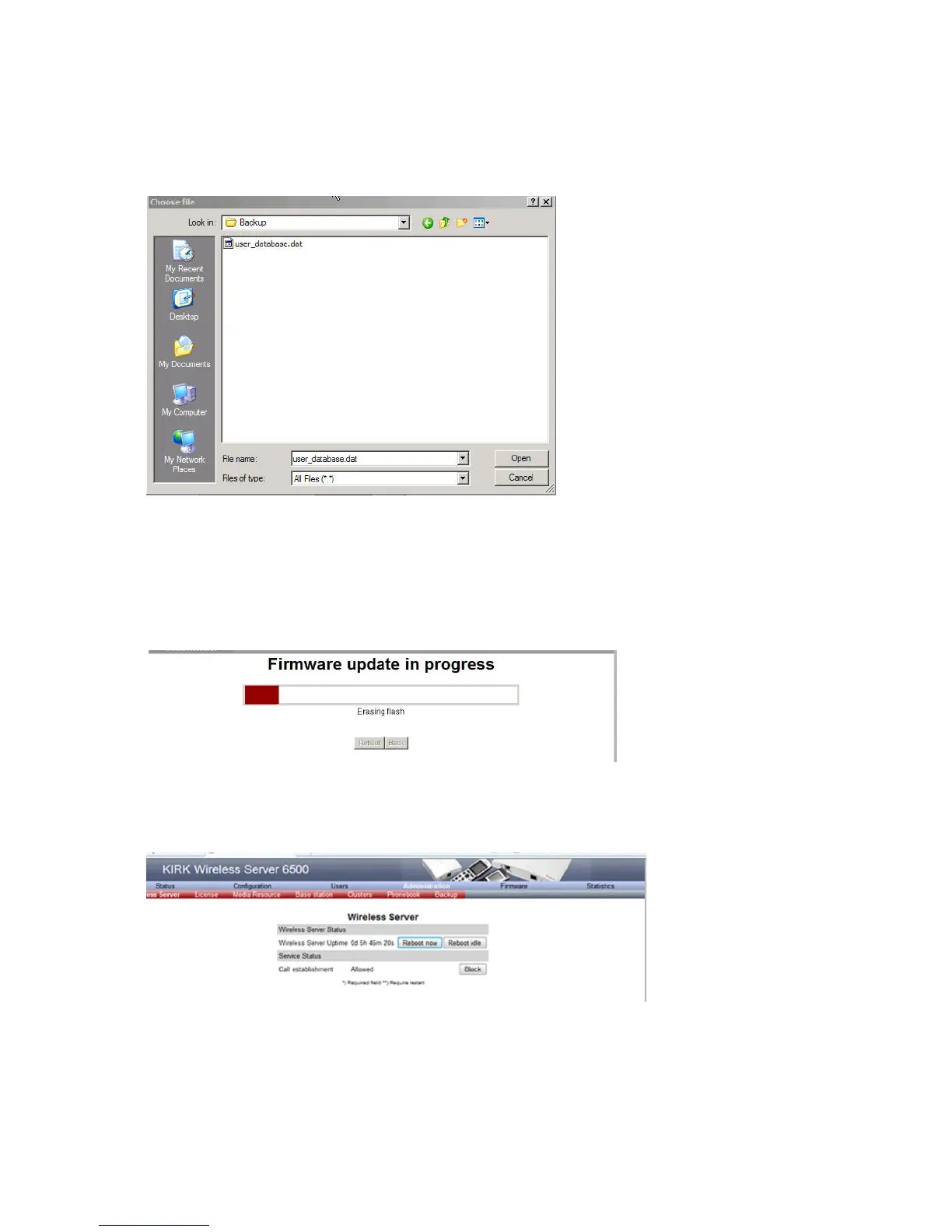
2 Click Browse.
A Choose File dialog box appears.
Figure 90 Adm. Page: Choose File dialog box
3 Select the file in question, and then click Open.
The file to select has the extension .bin.
4 Click Update.
Wait until the system has finished uploading.
Figure 91 Adm. Page: Firmware Update Progress Bar
5 Optionally, you can block new calls during a firmware update by clicking Administration
(Administration Page of Spectralink IP-DECT Server 6500), and then Wireless Server.
Figure 92 Adm. Page Wireless Server: Administration/Wireless Server page
Under Service Status click Block.



 To Next Page