Spectralink IP-DECT Server 6500 Installation and Configuration Guide
14215700 Version 3.0
April, 2014 91
Reading System Information
Under Status it is possible to get general information about hardware version, firmware and
message logging. This information is useful in case of problem solving.
General Status Information
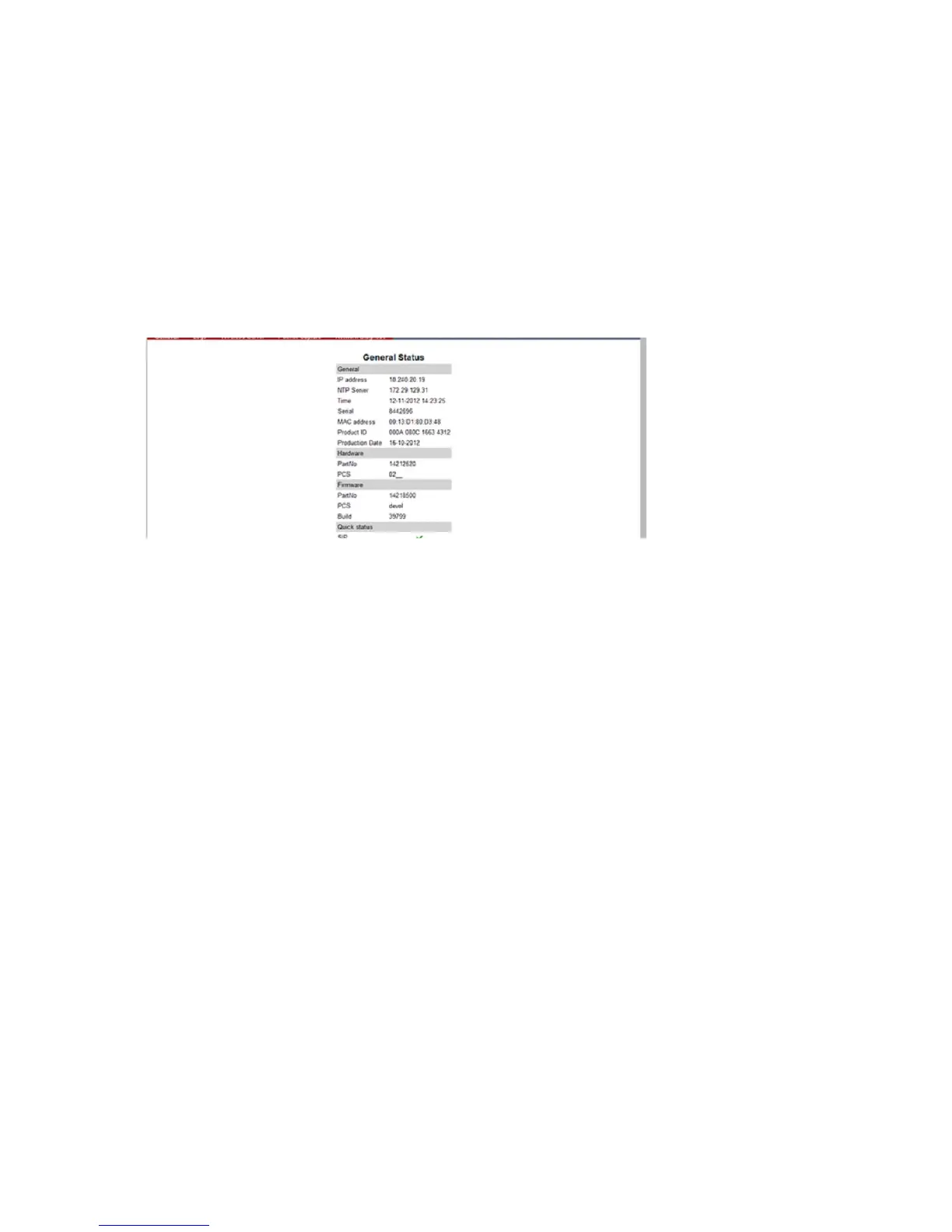
This page provides general system information such as hardware, firmware and OS Status
information.
1 Click Status, and then click General.
Figure 86 Adm. Page Media Resource: Status/General page
On the Status/General page the following information is available.
— General
— IP-address: current IP address of device
— NTP-Server: address of time server
— Time: current time on device
— Serial: Serial number of device
— MAC address: of device
— Product ID: from device
— Production Date: of device
— Hardware
— PartNoof hardware
— PCSHardware version of device_
— Firmware
— PartNosoftware part number
— PCSSoftware version
— BuildSoftware build number
—
— Quick status Red/Green/Grey



 To Next Page