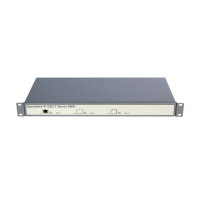
Spectralink IP-DECT Server 6500 Installation and Configuration Guide
14215700 Version 3.0
April, 2014 99
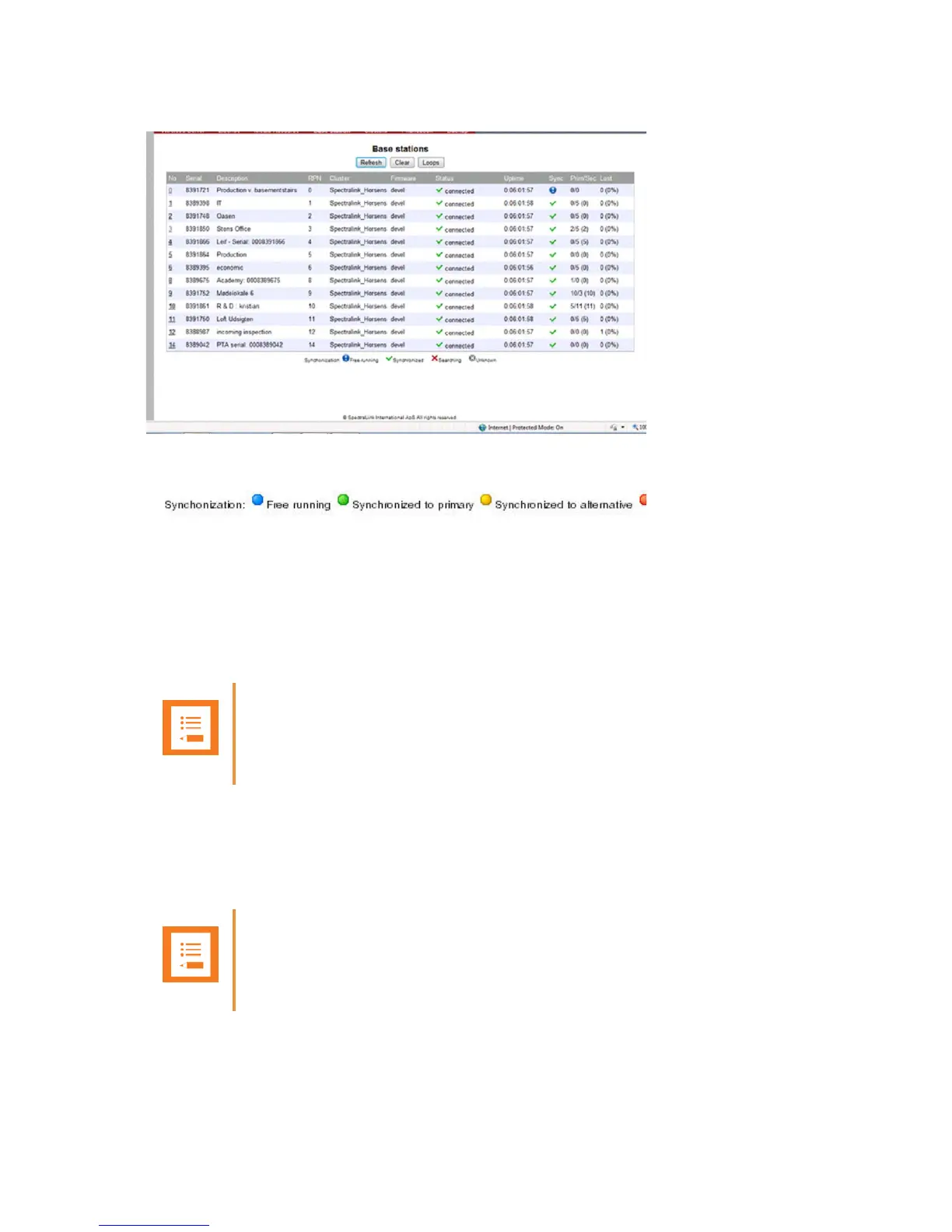
Figure 97 Adm. Page Wireless Server: Administration/Base station page
Figure 98 Sync States of Base Station - Color Description
2 Check the sync state of the base stations:
— If marked with blue: Free running (Sync Master)
— If marked with green: Synchronized (Primary Sync Master)
— If marked with red: Searching (not in sync with any radio unit)
— If marked with grey: Unknown (not connected - base station removed from installation
)
Updating the Spectralink Base Station Firmware
The software of the base station can be updated. To update the software you load a file to the
system. Contact your distributor for newest software.
Note
When you double-click a base station in the list, you can check the RSSI values of the base
stations it is synchronizing on (Primary sync/Secondary (Alternative) sync)..
Note
The base station firmware is updated from the Administration Page of the Spectralink
IP-DECT Server 6500.


 To Next Page