Spectralink IP-DECT Server 6500 Installation and Configuration Guide
14215700 Version 3.0
April, 2014 75
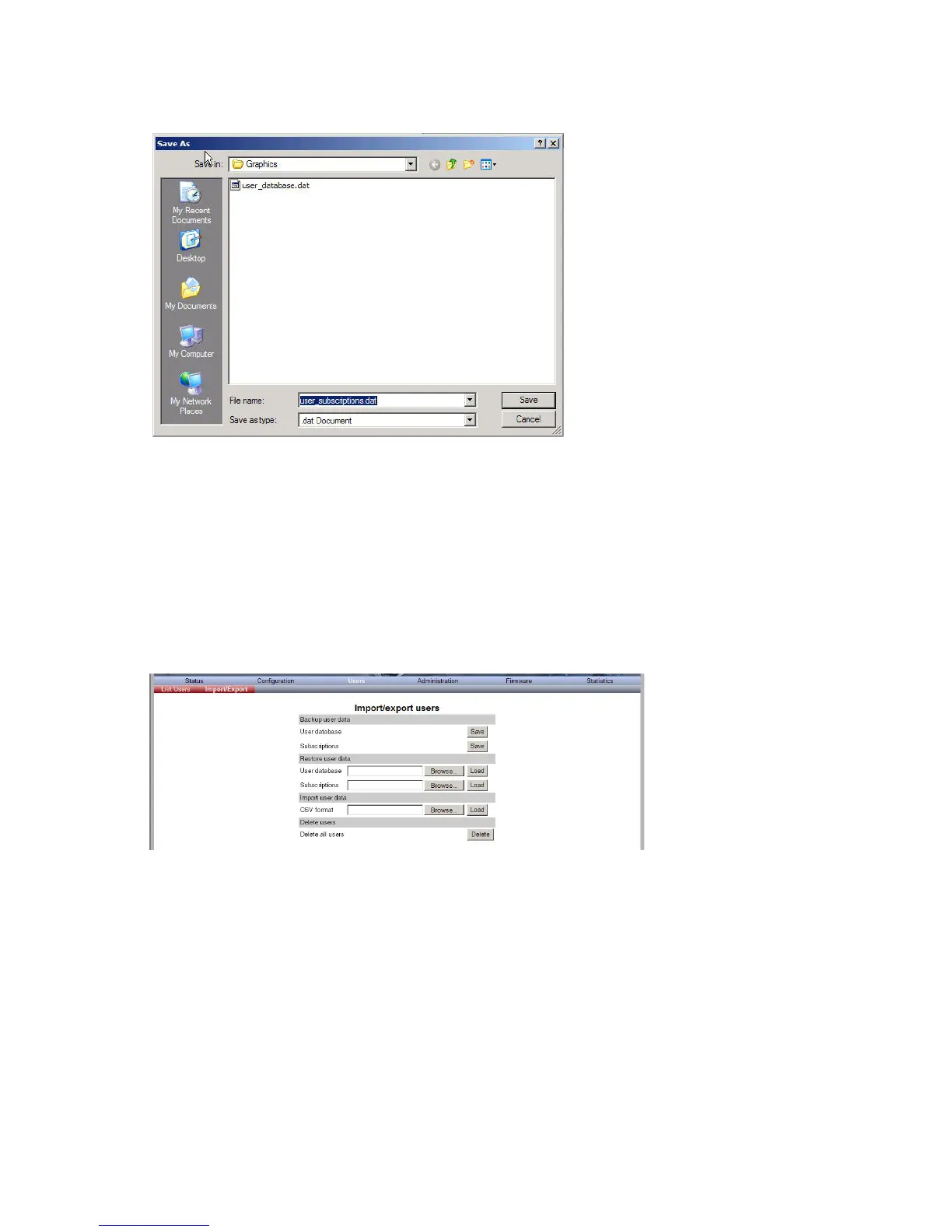
Figure 54 Adm. Page: Save As dialog box
4 Indicate in which folder and under what name the file should be saved, and then click Save.
Restoring Handset Registration Data
You can restore handset registration data using the web based Administration Page. It is possible
to restore a user database with subscriptions and to restore a user database separately from
subscriptions (configuration data only).
1 Click Users, and then click Import/Export.
Figure 55 Adm. Page WS: Users/Import/Export page
2 Under Restore User Data do one of the following:
a To restore configuration data, click the Browse button after User database.
b To restore user data with subscriptions, click the Browse button after Subscriptions.
A Choose File dialog box appears.



 To Next Page