Spectralink IP-DECT Server 6500 Installation and Configuration Guide
14215700 Version 3.0
April, 2014 76
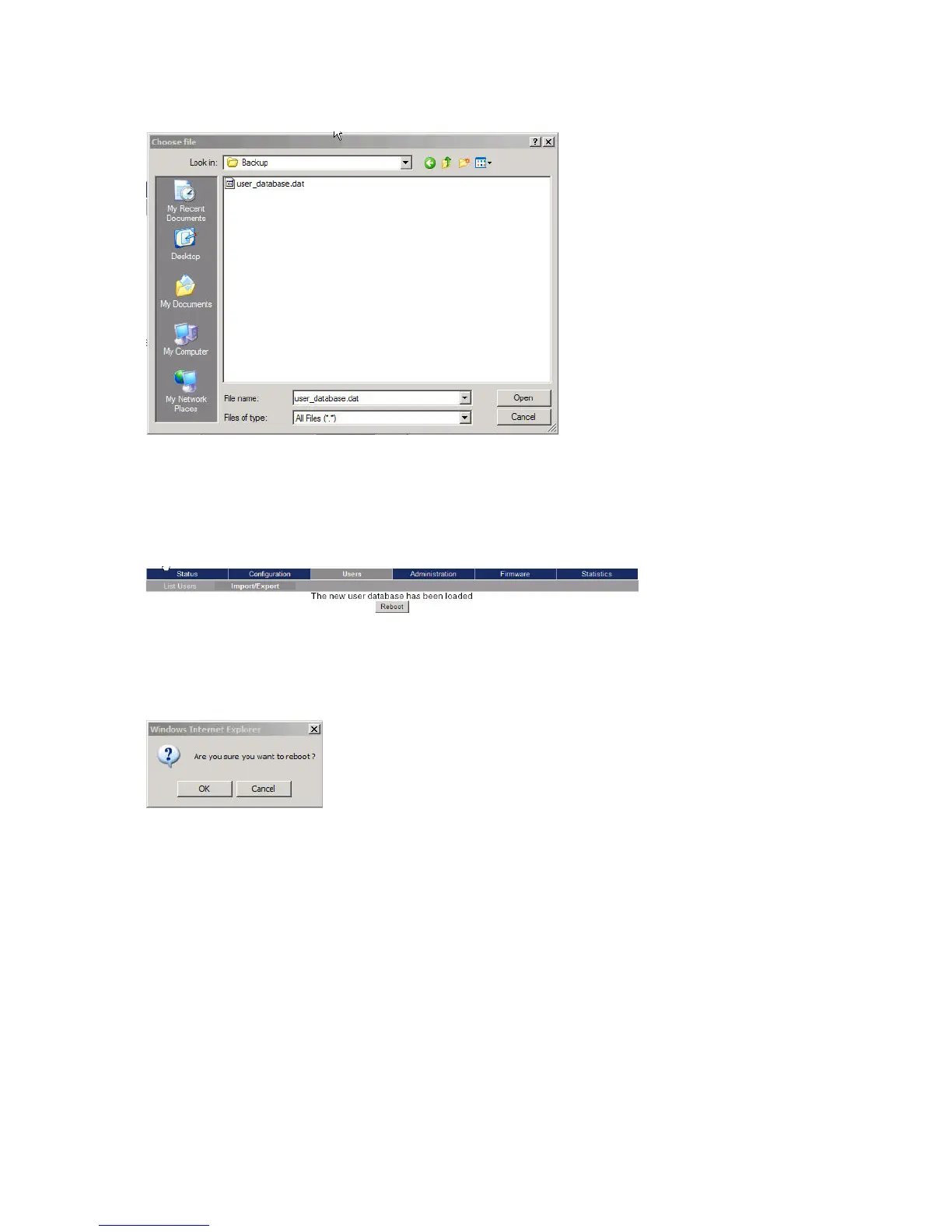
Figure 56 Adm. Page: Choose File dialog box
3 Select the file in question, and then click Open.
4 Click Load.
The following page appears.
Figure 57 Adm. Page WS: Users/Import/Export/Loaded page
5 Click Reboot. A warning message appears.
Figure 58 Adm. Page: Reboot Warning message
6 Click OK.
The system is rebooted. This can take a few minutes.
Importing Handset Registration Data - CSV Format
You can import handset registration data in CSV format. To be able to import the data correctly,
you must create a file containing the following information and punctuation:
#IPEI,access code,standby text,username,domain,displayname,authenticate
user,authenticate password,local number



 To Next Page