Spectralink IP-DECT Server 6500 Installation and Configuration Guide
14215700 Version 3.0
April, 2014 77
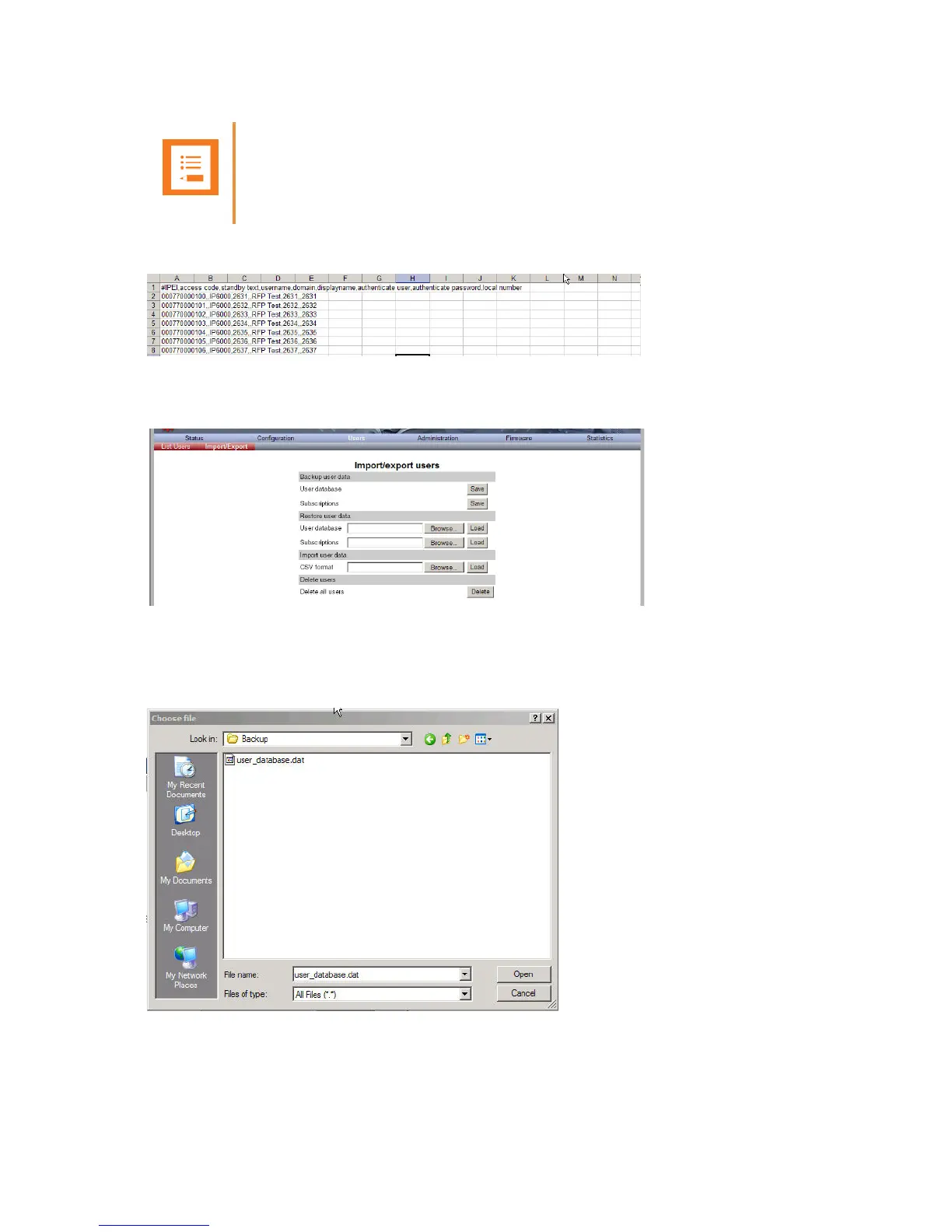
Figure 59 Example of Handset Registration Data in CSV Format
1 Click Users, and then click Import/Export.
Figure 60 Adm. Page WS: Users/Import/Export page
2 Under Import User Data, click Browse to find the CSV file with handset registration data.
A Choose File dialog box appears.
Figure 61 Adm. Page: Choose File dialog box
3 Select the file in question, and then click Open.
Note
If you want to leave out some of the information, e.g. standby text, you must keep the
commas, e.g.:#IPEI,access code,,username,domain,displayname,authenticate
user,authenticate password,local number.



 To Next Page