Spectralink IP-DECT Server 6500 Installation and Configuration Guide
14215700 Version 3.0
April, 2014 64
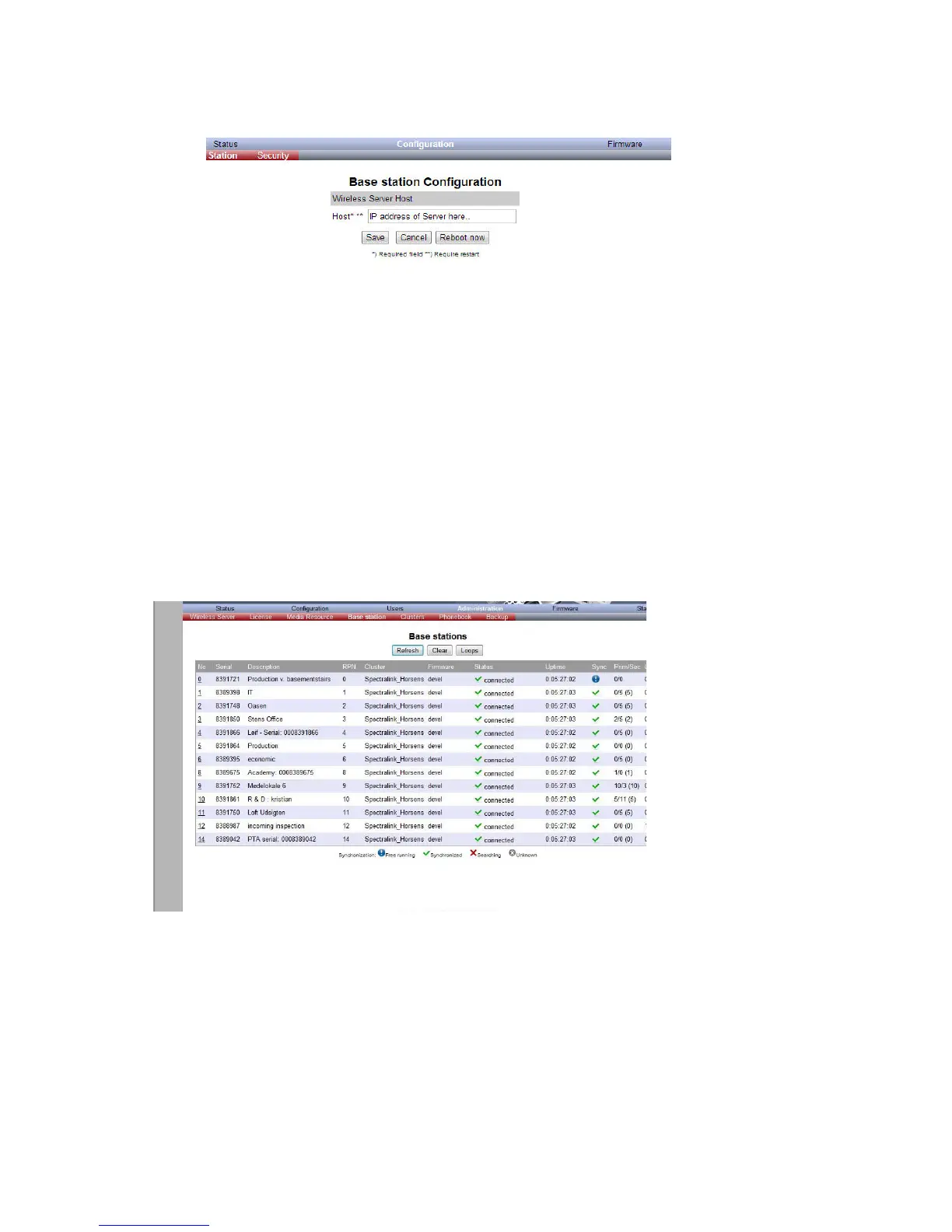
Figure 40 Configuration/Base Station
2 In the Host field, type the host name of the IP-DECT Server 6500.
3 Click Save.
4 Click Reboot to enable the configuration changes.
Sync. Ways Configuration
It is necessary to define the synchronization ways of the base station.
1 To define the sync. ways of the base station, open the Administration Page for the
Spectralink IP-DECT Server 6500.
2 Click Administration, Server, and then click Base Station.
Figure 41 Adm. Page WS:Administration/Base station page
3 Double-click on the relevant base station in the list.



 To Next Page