Spectralink IP-DECT Server 6500 Installation and Configuration Guide
14215700 Version 3.0
April, 2014 93
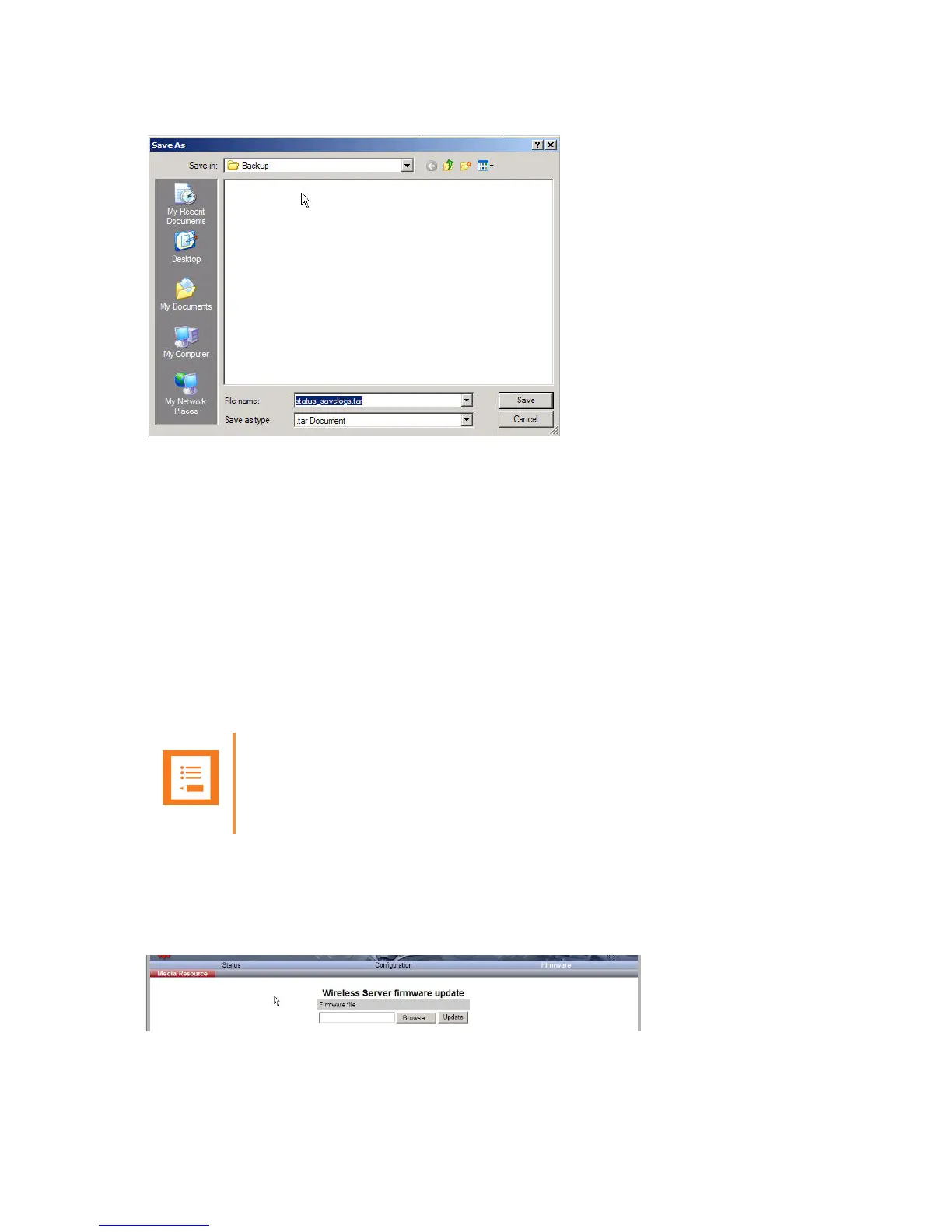
Figure 88 Adm. Page: Save As dialog box
4 Indicate in which folder and under what name the file should be saved, and then click Save.
It is now possible to send the log files to authorized technicians for further support and problem
solving.
Reading Statistics
Statistic information about the media resource is retrieved from the Administration Page of the
Spectralink IP-DECT Server 6500.
Updating the Spectralink Media Resource Firmware
The software of the media resource can be updated. To update the software you load a file to the
system. Contact your distributor for newest software.
Updating Spectralink Media Resource Firmware
1 Click Firmware, and then click Media Resource.
Figure 89 Adm. Page Media Resource: Firmware/Media Resource page
Note
You can upload software directly from the Spectralink Wireless server under
Firmware/Wireless Server, Media Resource, Base Station..



 To Next Page