Spectralink IP-DECT Server 6500 Installation and Configuration Guide
14215700 Version 3.0
April, 2014 40
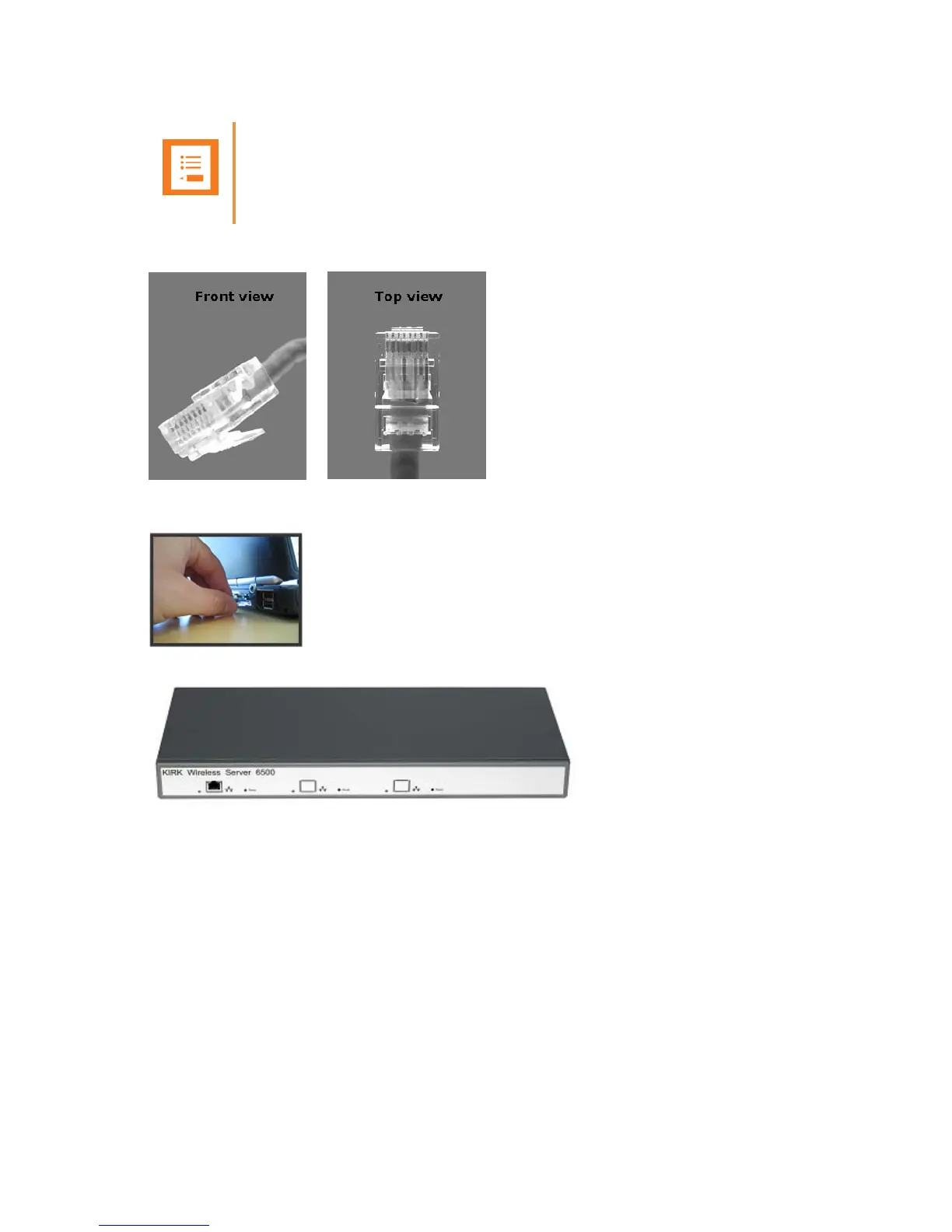
Figure 16 Direct connection patch cable (RJ45)
1 Connect the direct connection patch cable to the computer.
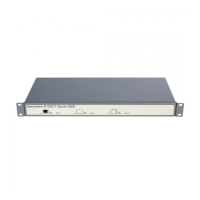
2 Connect the patch cable to the LAN port of the Spectralink IP-DECT Server 6500.
How to Access the Administration Page
The web based Administration Page is accessed through a standard web browser.
1 Open a web browser.
2 In the browsers Address bar, type 192.168.0.1 or the IP-address discovered by UPnP, and
then press ENTER.
The Spectralink IP-DECT Server 6500 Administration Page appears.
Note
The LAN port of the Spectralink IP-DECT Server 6500 is a RJ45 connector.


 To Next Page