Spectralink IP-DECT Server 6500 Installation and Configuration Guide
14215700 Version 3.0
April, 2014 34
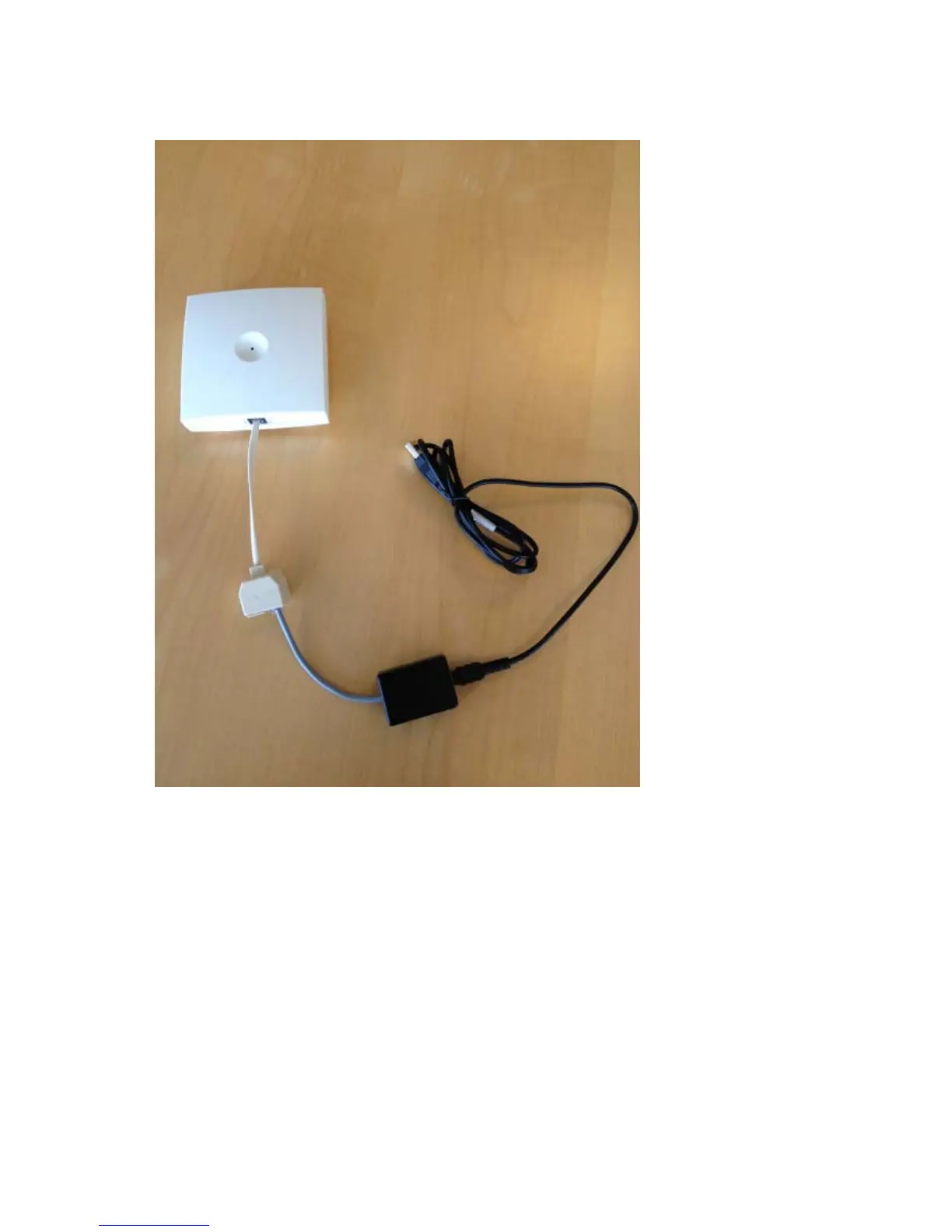
Figure 13 Programming Kit Repeater
Set up of the Hardware for Repeater Programming
Before you set up the hardware ensure that you have an appropriate power supply that meets
local requirements.
Follow the set up order closely.
1 Unplug the repeater power supply and insert the splitter.
2 Connect the repeater power supply to the splitter and the mains. LED flashes.
3 Connect the serial cable to the splitter and Com port of your computer.
The repeater is now ready for programming via the ServiceTool.



 To Next Page