Spectralink IP-DECT Server 6500 Installation and Configuration Guide
14215700 Version 3.0
April, 2014 81
— SIPQuick status
— Base stationsQuick status
— Media resources Quick status
— ProvisioningQuick status
— NTPQuick status
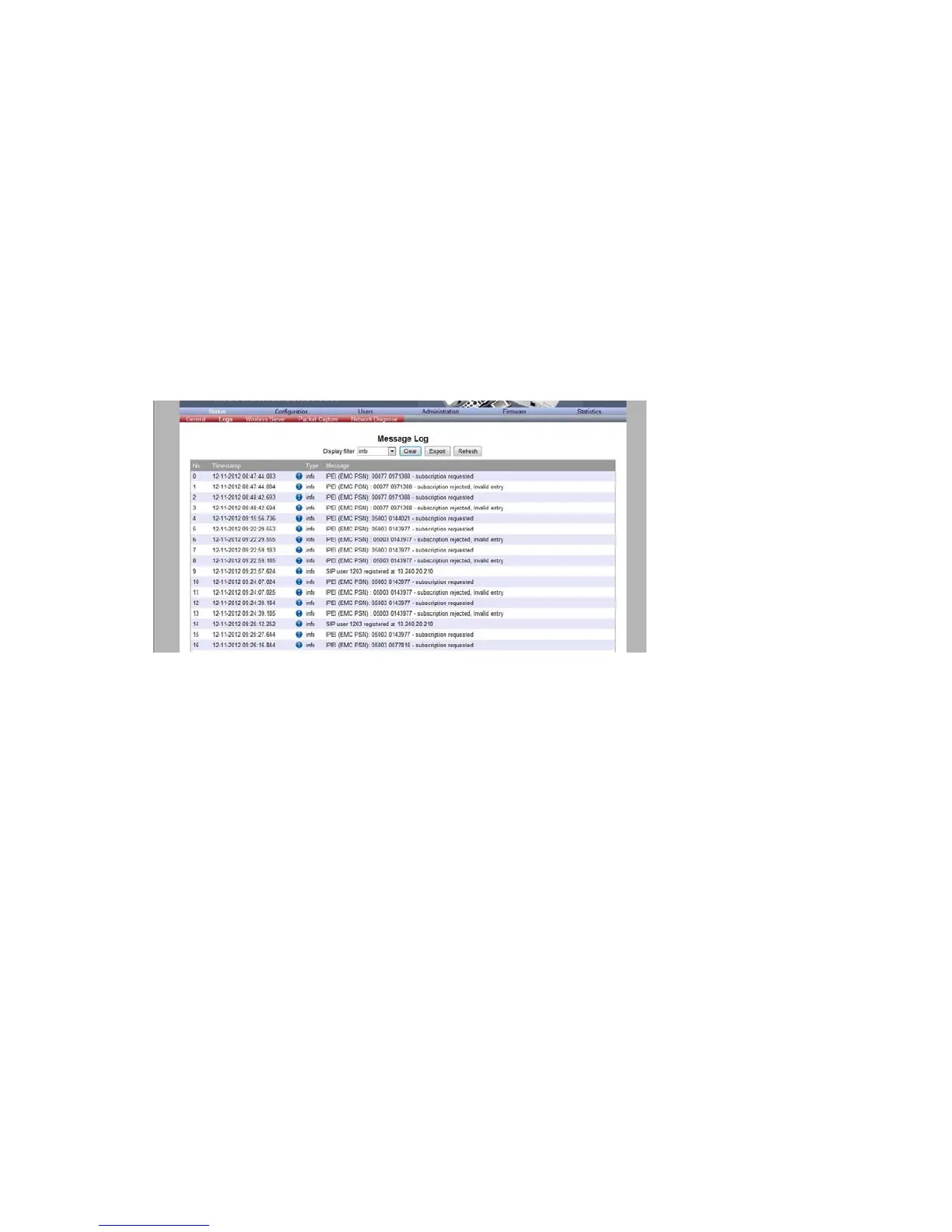
Logs Information
This page provides log information such as media resource connection, base station connection
and different types of status.
1 Click Status, and then click Logs.
Figure 64 Adm. Page WS: Status/Logs page
2 From the Display filter list you can select between emergency, critical, error, warning,
notice or info depending on the logs you want to see.
The different types of status are:
— emergency (errors causing the system to malfunction for all calls)
— critical (events that do not occur under normal operation, cause minor malfunction)
— error (events that do not occur under normal operation, cause minor malfunction)
— warning (events that do not occur under normal operation, may cause malfunction)
— notice info (events that occur under normal operation, relevant to an
3 Click Save if you want to save the logs in a file.
A Save As dialog box appears.



 To Next Page