Spectralink IP-DECT Server 6500 Installation and Configuration Guide
14215700 Version 3.0
April, 2014 87
Restoring Configuration File
This section describes how to restore a configuration file.
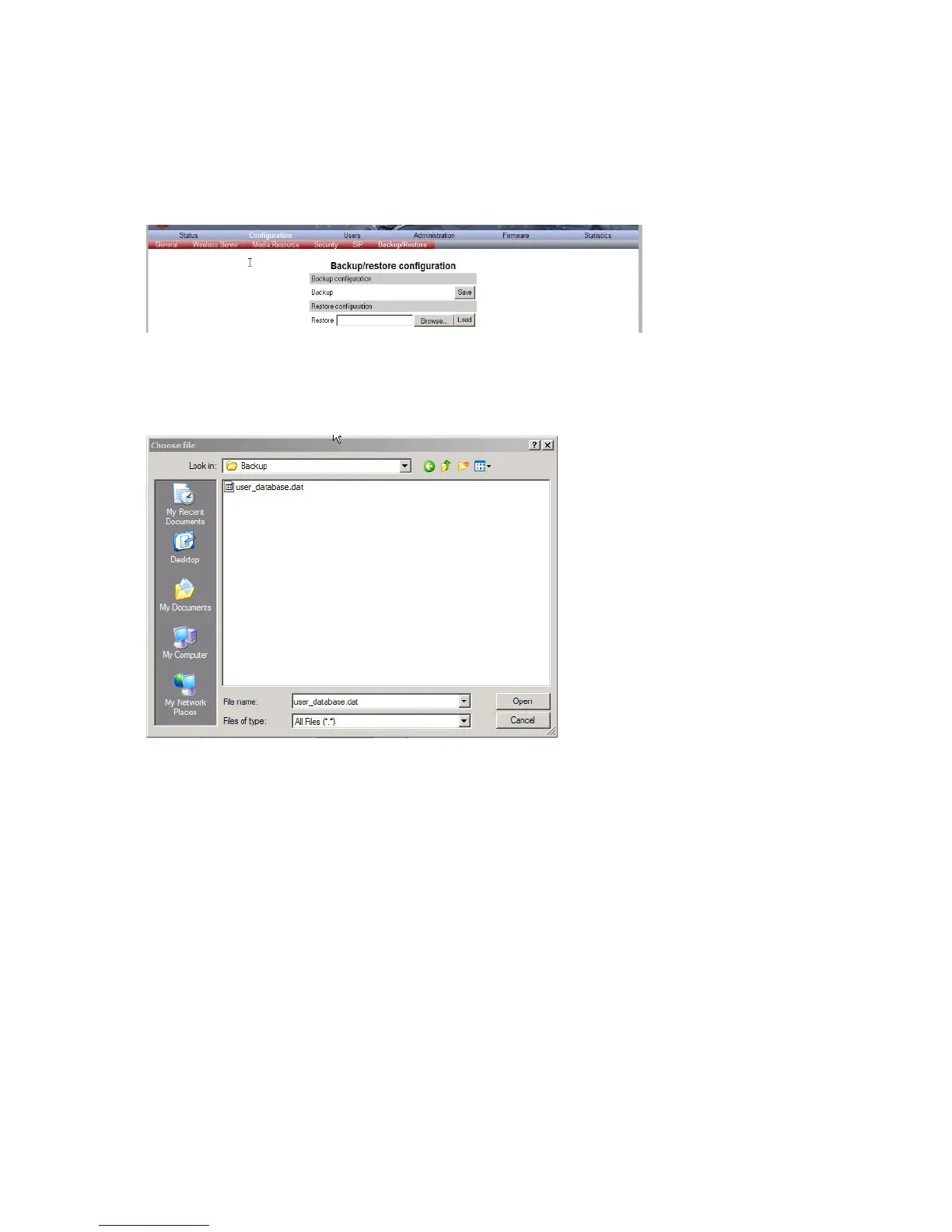
1 Click Configuration, and then click Backup/Restore.
Figure 77 Adm. Page Wireless Server: Configuration/Backup/Restore page
2 Click Browse.
A Choose File dialog box appears.
Figure 78 Adm. Page: Choose File dialog box
3 Select the file in question, and then click Open.
4 Click Load.
5 Click OK.
The configuration file is restored in the system.
Updating the Spectralink IP-DECT Server 6500
The software of the Spectralink IP-DECT Server 6500 can be updated. To update the software
you load a file to the system. Contact your distributor for newest software.
Updating Spectralink IP-DECT Server 6500 Firmware
1 Click Firmware, and then click Wireless Server.



 To Next Page