spencer 2022A user guide spencerhealthsolutions.com 21
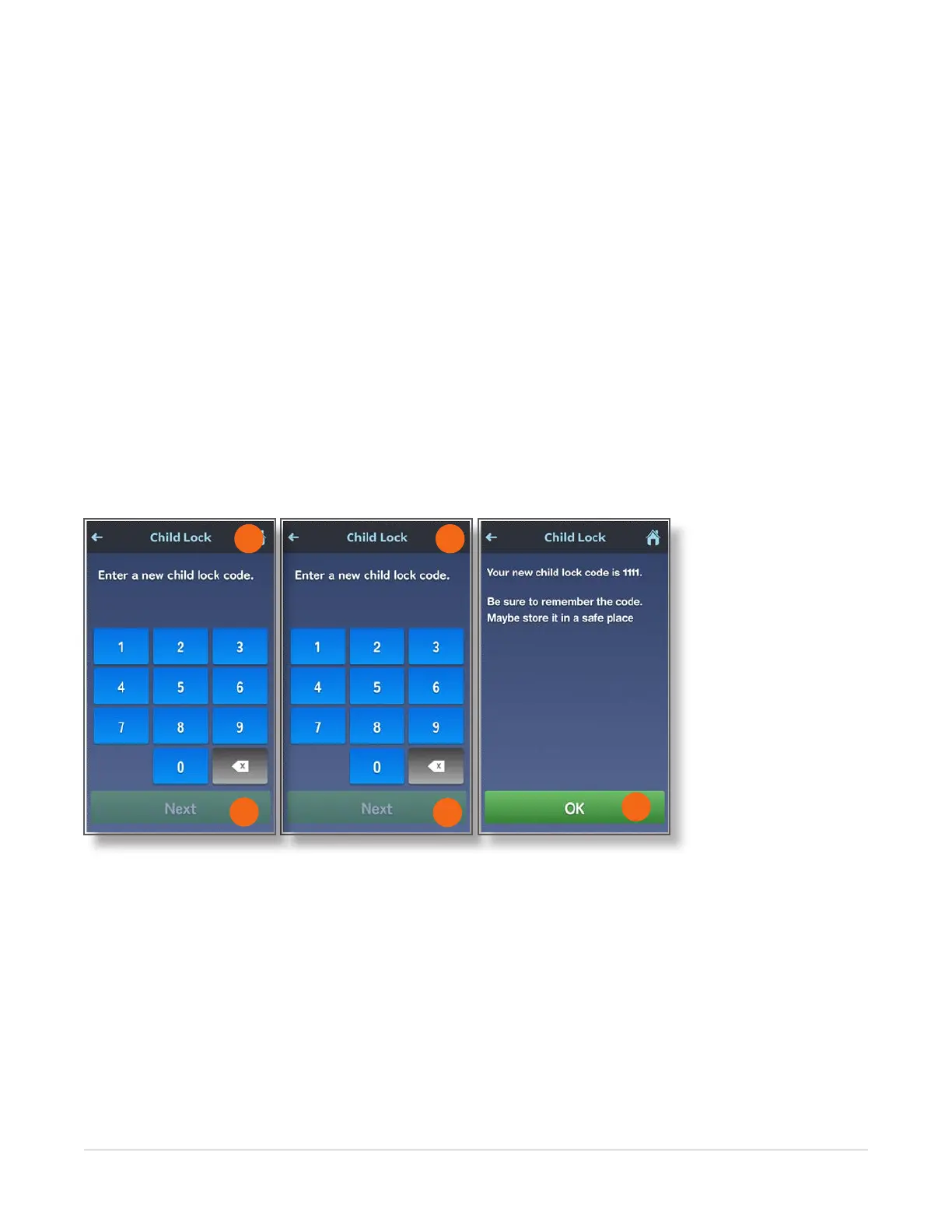
6. Enter a new four-digit code.
NOTE: Be sure to use a code that you can easily remember. Common codes are the rst or last four
digits of your phone number, or your birthday in the form of the two-digit month and two-digit day.
If you enter a number by mistake, use the bottom right key to backup and delete the wrong number.
7. Touch the Next button.
8. Enter to your new four-digit code again to conrm.
9. Touch the Next button.
spencer displays a message with the code you just entered.
Please make sure that you remember this code or write it down and keep in a safe place.
If there are children in your house, do not tape the code to spencer.
10. Touch the OK button to return to the Home screen.
8
10
6
7
9



 To Next Page