spencer 2022A user guide spencerhealthsolutions.com 31
Replacing Your Medication Refill
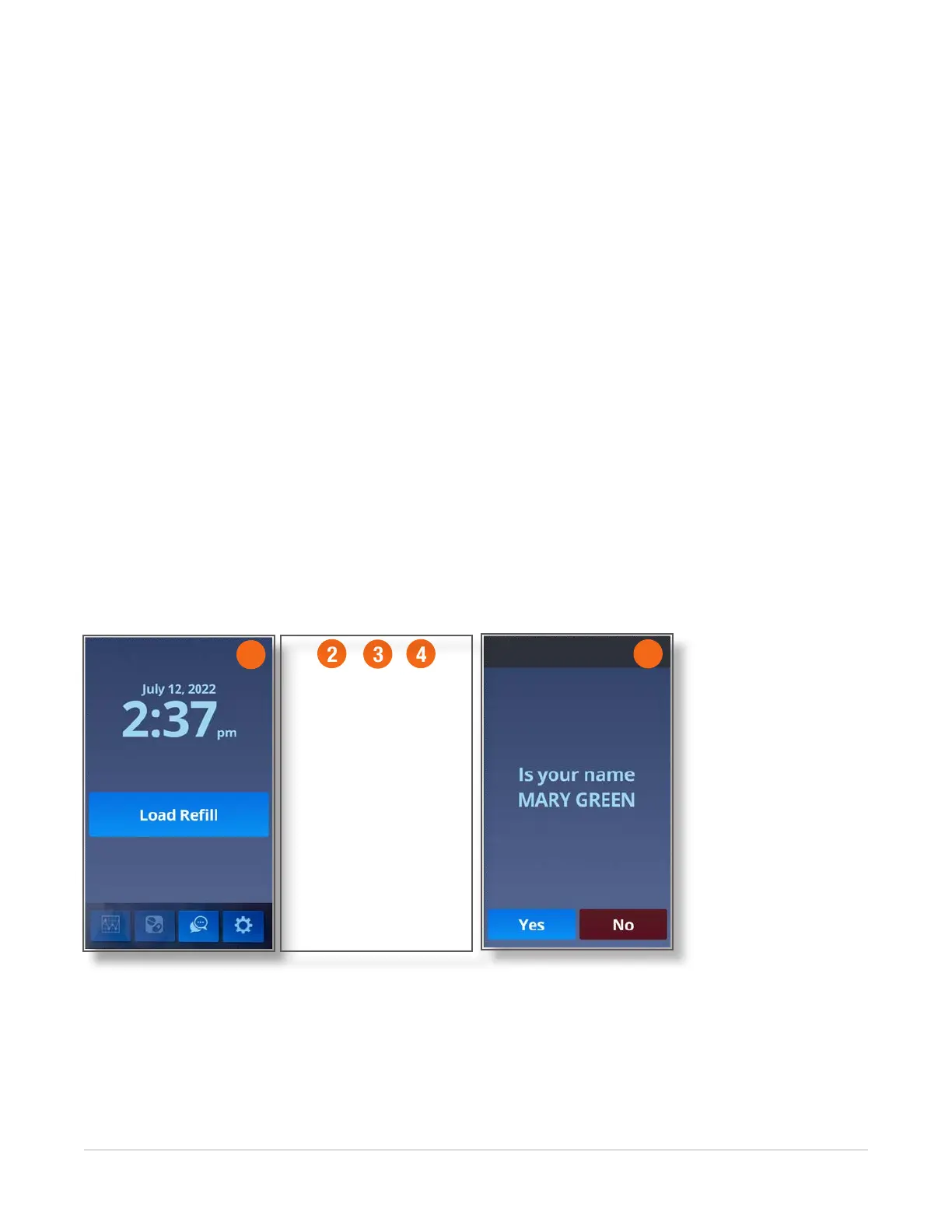
After all packs have been dispensed from the medication cartridge (the rell), the Load Rell screen
displays.
To replace your medication rell, follow these instructions:
1. Touch Load Rell to open the lid.
The lid will pop open a small amount.
2. Gently open the lid all the way.
NOTE: If the Child Lock feature is enabled, you will be asked to enter your Lock Code.
3. Remove the current medication cartridge.
4. Gently insert the rell cartidge that is labeled with the start date that displays on the screen.
NOTE: If you do not have another rell, please contact your pharmacist right away.
5. Touch the Yes button on both screens to conrm your name.
A message displays indicating that the rell is loading.
When the rell has properly loaded, you will be returned to the Home screen.
Contact your pharmacist for information about returning, recycling, or disposing of the empty rell
cartridge.
1
5
2
3
4



 To Next Page