70
This method is used for taking transactions when the cardholder is not next to the terminal - a
telephone order, for example.
Please note: Some of the screens which ask for information are dependent on your terminal’s configuration.
If a screen is absent, simply skip to the next step.
When the terminal is ready to perform a keyed Sale transaction
it will show the Welcome screen.
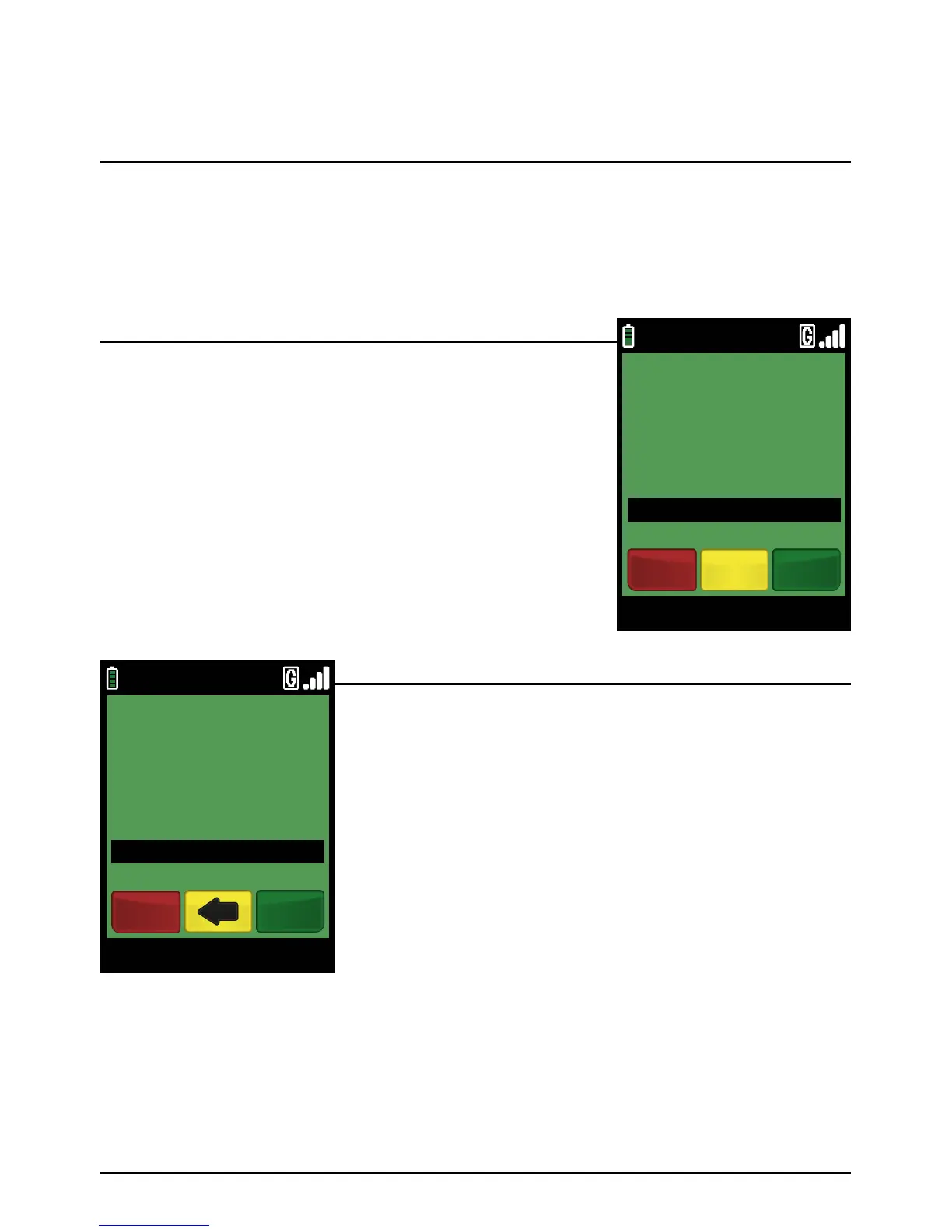
Enter the Sale amount in pence (or cents in ROI) and press the
green ‘ENTER’ key.
Example:
Typing in 1000 would equate to a value of £10.00 (€10.00 in ROI).
PLEASE NOTE:
If a mistake is made entering data, the the last digit can
be deleted by pressing the yellow ‘CLEAR’ key.
Step 1
Carefully type in the long number on the front of the card. As you
type you will notice the message changes from ‘SWIPE/INSERT
CARD’ to ‘ENTER CARD NUMBER’, as the number begins to
appear in the box on the screen.
Once the number has been typed in correctly, press the green
‘ENTER’ key. You may also be asked to enter the expiry date
of the card.
PLEASE NOTE:
If a mistake is made entering data, the the last digit can
be deleted by pressing the yellow ‘CLEAR’ key.
Step 2
Sale Transaction (Customer Not Present – Keyed)
Page 70.
09/11/13 12:00
Main Menu
ENTER AMOUNT
TO START PAYMENT
£0.01
Clear EnterCancel
09/11/13 12:00
ENTER CARD NUMBER
SALE
Enter
12345678901234
Cancel



 To Next Page