EasyManua.ls Logo

Steca Tarom 4545 - User Manual

Steca Tarom 4545
82 pages
Print Icon
To Next Page IconTo Next Page
Loading...
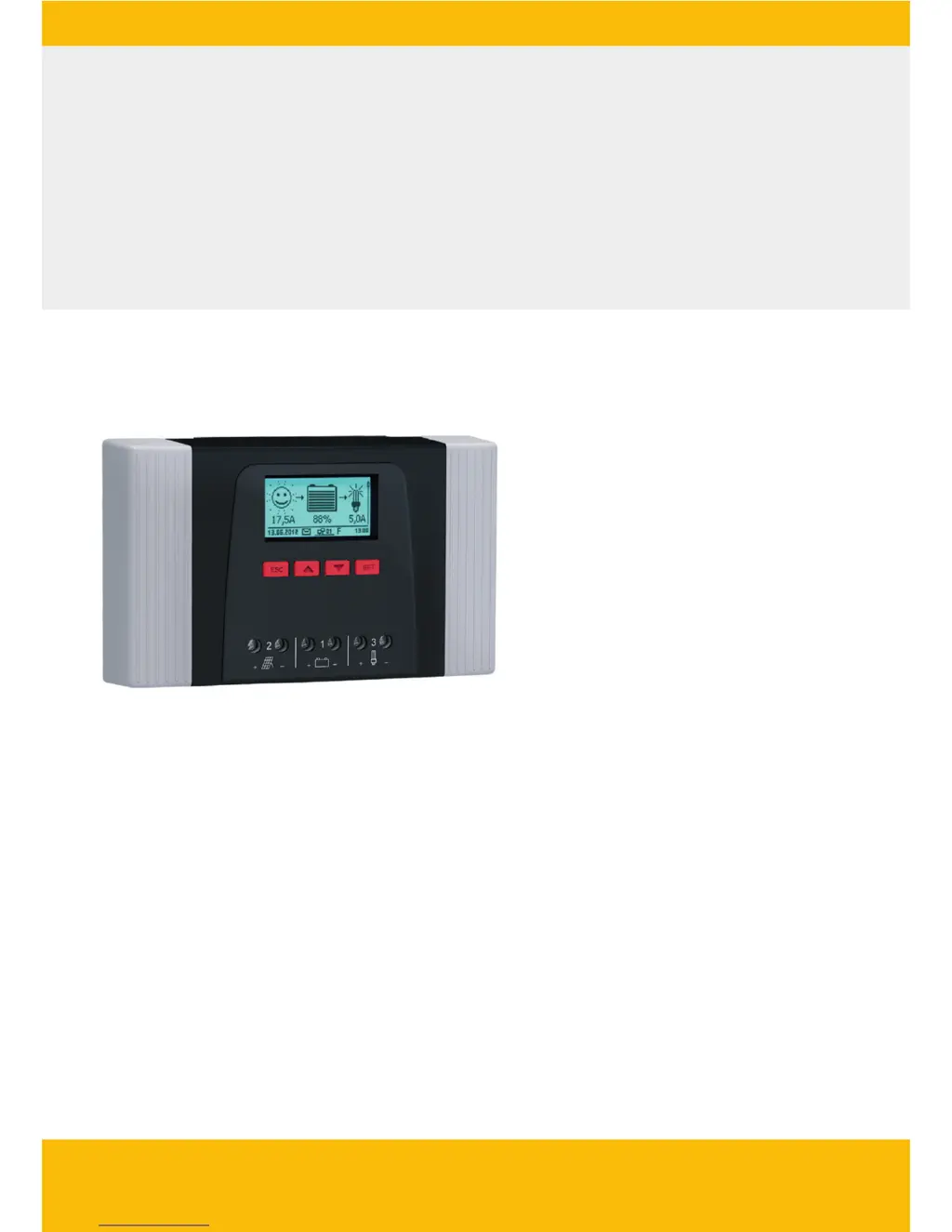
Solar Charge Controller
Adjustable, for hybrid and telecommunication systems
Tarom 4545 (12 V/24 V accumulator)
Tarom 4545-48 (12 V/24 V/48 V accumulator)
Installation and operating instructions
GB
Z03 | 17.05

Table of Contents

Other manuals for Steca Tarom 4545

Questions and Answers

  • J
    jane87Sep 13, 2025
    What should I do if my Steca Tarom 4545 load cannot be operated?
    • C
      Crystal GarciaSep 13, 2025
      If the load on your Steca Controller cannot be operated, check if external charging sources are voltage-limited and switch them off if necessary. Also, verify the load is correctly connected and replace it if faulty.
  • C
    Cindy ThomasSep 12, 2025
    Why is my Steca Controller load not working or only working for a short time?
    • D
      David MaxwellSep 12, 2025
      If the load connected to your Steca Controller isn't working or only works briefly, it's likely that the deep discharge protection has switched off the output because of an excessively low battery voltage. To resolve this, charge the battery.
  • N
    Nicholas RangelSep 12, 2025
    What to do if there is no display on my Steca Tarom 4545?
    • J
      Jeremy SaundersSep 12, 2025
      If your Steca Controller's display is blank, it could be due to several reasons. It might be because the battery voltage is too low, so pre-charge the battery. Another reason might be that the external fuse for the battery has triggered, so replace or reset the external fuse. Lastly, the battery might not be connected, so unclamp all connections, connect a new battery with the correct polarity, and reconnect the solar module and loads.
  • J
    Joshua MartinSep 10, 2025
    What to do if the solar module is defective on my Steca Tarom 4545?
    • R
      Rebecca BurkeSep 10, 2025
      To resolve a defective solar module issue with your Steca Controller, replace the solar module.
  • J
    Jerry Sullivan DVMSep 9, 2025
    How do I fix incorrect solar module voltage on my Steca Tarom 4545?
    • S
      Sonia HuynhSep 9, 2025
      To resolve an incorrect solar module voltage issue with your Steca Controller, use a solar module of a suitable voltage.
  • E
    Edward CarrollSep 8, 2025
    Why does the battery current value change suddenly on my Steca Controller?
    • J
      jthompsonSep 8, 2025
      If the battery current value in the status display of your Steca Controller changes suddenly, it could be due to: * Large pulse current: Tune the current consumption to match the battery capacity. * The battery being defective: Replace the battery.
  • J
    jessicasmithAug 23, 2025
    What to do if my Steca Controller shows an overload error?
    • M
      Ms. Lisa MartinAug 23, 2025
      If the Steca Controller displays an ‘Overload’ message, it means the maximum permissible load current has been exceeded, and the controller has switched off the load output. To resolve this: 1. Switch off the loads to reduce the load current. 2. Switch on the loads individually. If the issue persists after all loads have been switched on, contact your dealer, specifying whether the event message occurs immediately or some time after switching on the loads.
  • S
    Sarah DavisSep 6, 2025
    Why is my Steca Tarom 4545 Controller not charging the battery?
    • P
      Patricia RamosSep 6, 2025
      If the battery is not being charged by your Steca Controller, it could be due to: * The solar module not being connected: Connect the solar module. * A short circuit at the solar module connection: Rectify the short circuit.
  • J
    James RiveraSep 5, 2025
    Why does my Steca Tarom 4545 have no display?
    • J
      jenniferhardinSep 5, 2025
      If there is no display on your Steca Controller, it could be due to several reasons: * The battery voltage is too low: Pre-charge the battery. * The external fuse for the battery has triggered: Replace or reset the external fuse for the battery. * The battery is not connected: Unclamp all connections, connect a new battery with the correct polarity, and reconnect the solar module and loads. * The battery is defective.
  • L
    Linda NguyenSep 4, 2025
    What to do if my Steca Tarom 4545 Controller indicates 'Wrong PV polarity'?
    • M
      Marissa MichaelSep 4, 2025
      If your Steca Controller indicates 'Wrong PV polarity', it means the solar module is connected with the wrong polarity. To resolve this, connect the solar module with the correct polarity.

Summary

Safety and Product Information

General Safety Instructions

Essential safety guidelines for installation and operation.

Proper Usage

Defines the intended applications and limitations of the controller.

Installation and Setup

Controller Overview and Connections

Explains the physical layout and connection points of the device.

Installation Safety and Electrical Connections

Critical safety measures, cable connections, and electrical setup.

Initial Commissioning

Guide to setting up the controller after installation.

Operation and System Functions

System Functions and Control Modes

Explains protections, control modes, and charging functions.

Control Functions

Details on automatic switching functions like timers and light control.

Troubleshooting and Maintenance

Event Messages and Error Solutions

How to interpret and resolve error messages and other issues.

Self Test and Maintenance

Performing diagnostic tests and routine checks for the controller.

Technical Data and Support

Controller Technical Data

Key electrical parameters, operating ranges, and design features.

Contact and Guarantee

Information on warranty, support, and contact details.

Steca Tarom 4545 Specifications

General IconGeneral
BrandSteca
ModelTarom 4545
CategoryController
LanguageEnglish

Related product manuals